

Apple Business Connect -integroinnin julkistaminen
Lue lisää →
Let’s get real: No business is perfect. Even the best brands get negative reviews. But here’s the twist—most customers don’t expect perfection. They expect honesty, accountability, and a willingness to make things right.
Stat to Know:
95% of consumers get suspicious if a business has only five-star reviews. A few negatives? They make you look real.
Why Negative Reviews Are Good for Business:
When someone leaves a negative review, they’re not just venting—they’re hoping to be heard. Most unhappy customers just want acknowledgment and a solution.
What Upset Customers Want:
Pro Tip:
A fast, empathetic response can turn a critic into a loyal fan. Slow or defensive replies? That’s how you lose business.
Don’t react emotionally. Read the review carefully. Is it fair? Is there a misunderstanding? Gather the facts before you reply.
Speed matters. The longer you wait, the more it looks like you don’t care.
Start by thanking the reviewer for their feedback. Show empathy—even if you disagree.
Example:
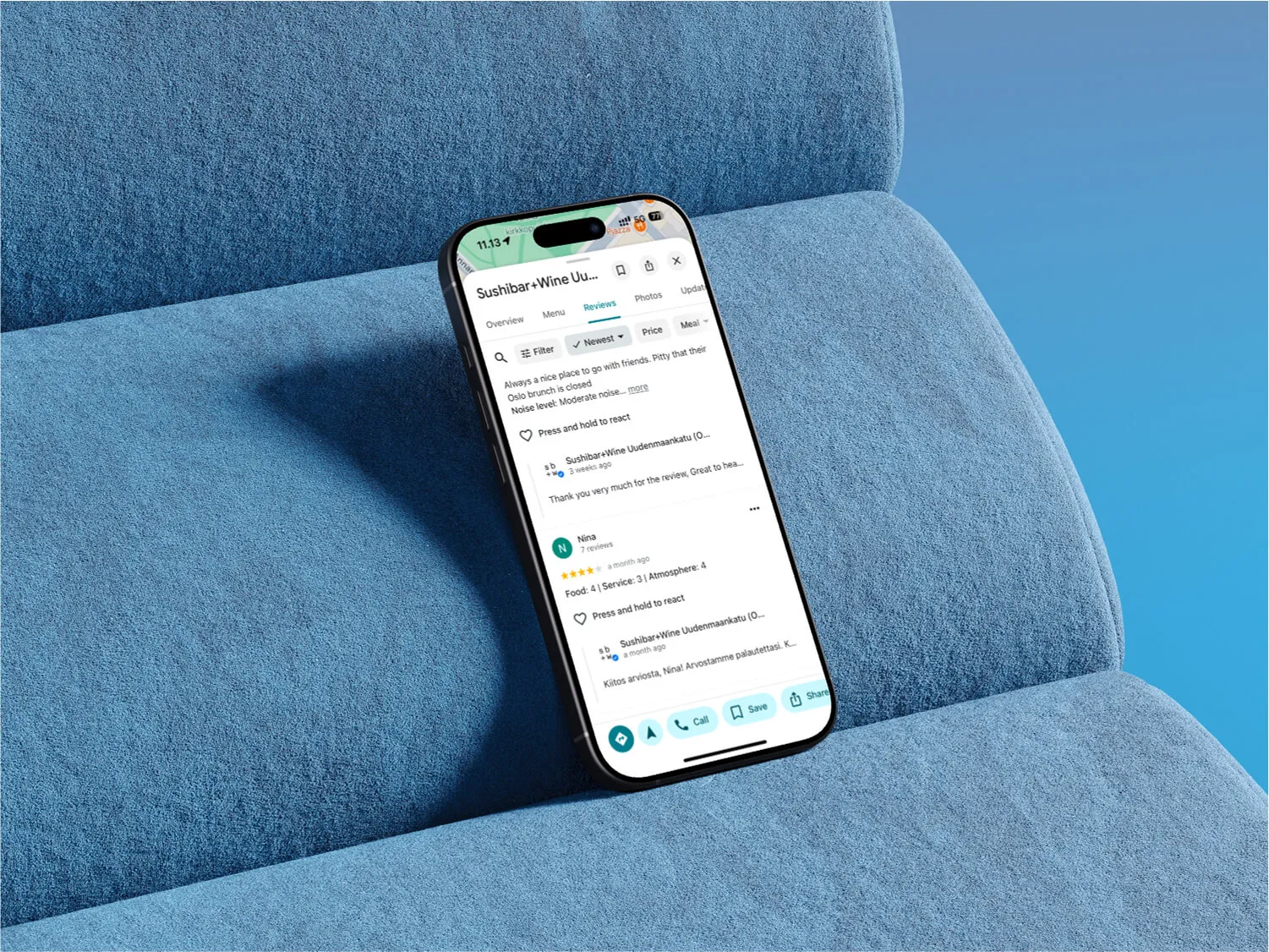
“Thank you for sharing your experience, [Name]. We’re sorry to hear we didn’t meet your expectations.”
If there was a mistake, own it. If not, clarify politely.
Example:
“We apologize for the delay in service. That’s not the standard we aim for.”
Invite the customer to contact you directly to resolve the issue. Keep details private if needed.
Example:
“We’d love to make this right. Please contact us at [email/phone] so we can discuss a solution.”
Don’t argue, don’t ramble. Stay positive and to the point.
If you resolve the issue, ask if the customer would consider updating their review.
Restaurants already trust Mobal to keep their listings accurate across Google and Apple. The website was the one part of their online presence still managed separately, with a different tool and a different login. Now it's part of the same system.
Every hour your site shows the wrong hours or an old menu is an hour a customer can be misled or turned away. And every evening spent editing a website is an evening away from the kitchen. Restaurant Websites removes both.
Customers can buy gift cards directly on the site and book a table through an added widget like TableOnline. An ordering button links out to your provider, such as Wolt. Your location details, menu, hours, and special hours stay in sync with your Google and Apple listings.
Choose from eight supported languages (English, Finnish, Swedish, Estonian, Russian, French, Spanish, and German) at launch and add translated versions of your site with a few clicks. More languages on request.
Restaurant Websites gives you a strong base built specifically for restaurants: the pages, layouts, and search foundations designed to help guests find and use your site. You can apply your own branding, colours, images, and pages on top.
Yes. You hand over your domain and keep it.
€29 per website per month, as an add-on. You can build and preview a site free in the demo before committing.


.webp)
.avif)



.webp)

.svg)
