All
March 22, 2022

How to Get More Customer Reviews on Google │ The Ultimate Guide for Local Business Growth

Want to stand out, rank higher, and win more customers? It all starts with Google reviews. They’re the digital word-of-mouth that can make or break your business. But here’s the catch: most businesses don’t have a clue how to get more reviews—let alone the kind that actually drive results. This guide breaks down everything you need to know: why reviews matter, how to ask (without being awkward), what to do when customers say “yes,” and how to turn every review into a growth engine. Ready to take control of your reputation and leave your competitors in the dust? Let’s get started.
Ev charging stations
Published on
November 17, 2025
Key takeaways
  • Google reviews are the #1 trust signal for local businesses.
  • More reviews = higher rankings, more clicks, and more sales.
  • Timing and simplicity are everything—make it easy for customers to leave feedback.
  • Personalized asks work better than generic blasts.
  • Never buy or fake reviews—Google will catch you, and your reputation will tank.
  • Automate and streamline your review requests to save time and get results.
  • Respond to every review—yes, even the bad ones.
  • Use reviews everywhere: website, ads, social, and in-store.

1. Why Google Reviews Matter (And Why You Need More)

Let’s get real: Google reviews are the new currency of trust.

  • 82% of consumers read reviews before making a purchase.
  • 76% trust online reviews as much as recommendations from friends and family.
  • Businesses with more reviews rank higher on Google—and get more clicks.

If you’re not actively collecting reviews, you’re handing business to your competitors.

2. What Makes a Great Google Review?

Not all reviews are created equal. The best reviews are:

  • Detailed: They mention specific products, services, or experiences.
  • Recent: Fresh reviews show you’re active and relevant.
  • Authentic: Real stories, real people—no fakes.

Pro Tip:
Encourage customers to mention what they loved (and even what could be better). Google’s algorithm loves specifics.

3. The Psychology of Why Customers Leave Reviews

Why do people leave reviews?

  • To help others make better decisions.
  • To say thanks for a great experience.
  • To vent about a bad one (and hope you’ll fix it).
  • Because you asked!

Stat to Know:
70% of customers will leave a review if you just ask—especially if you make it easy.

4. Step-by-Step: How to Get More Google Reviews

Step 1: Deliver a Memorable Experience

You can’t get great reviews without great service. Make every customer feel valued.

Step 2: Ask at the Right Time

  • After a successful purchase or service.
  • When a customer compliments your business.
  • In follow-up emails or texts.

Step 3: Make It Personal

Generic asks get ignored. Personalize your request and explain why their feedback matters.

Example:
“Your opinion means the world to us. Would you mind sharing your experience on Google? It helps other customers find us and keeps us improving!”

Step 4: Provide a Direct Link

Don’t make customers hunt for your profile. Send a direct review link via:

  • Email
  • SMS
  • QR code at checkout
  • Receipts or thank-you cards

Step 5: Follow Up (But Don’t Pester)

A gentle reminder is fine. Don’t spam.

5. Scripts and Templates That Actually Work

In-Person Ask:
“We’re so glad you enjoyed your visit! If you have a minute, would you mind leaving us a quick review on Google? It really helps us out.”

Email Template:
Subject: Quick favor?
Hi [Name],
Thank you for choosing [Business Name]! If you had a great experience, would you mind sharing it on Google? Your feedback helps others find us and keeps us growing. Here’s the link: [Insert Review Link]
Thank you so much!

SMS Template:
Thanks for visiting [Business Name]! We’d love your feedback—leave us a Google review here: [Review Link]

6. How to Make Leaving a Review Effortless

  • Shorten the steps: One click from your message to the review page.
  • Mobile-friendly: Most reviews are written on phones.
  • Clear instructions: Tell customers exactly what to do.
  • QR codes: Place them on receipts, tables, or signage.

Pro Tip:
Show customers how easy it is—maybe even walk them through it in-store.

Frequently asked questions

Why now?

Restaurants already trust Mobal to keep their listings accurate across Google and Apple. The website was the one part of their online presence still managed separately, with a different tool and a different login. Now it's part of the same system.

Why does this matter for my restaurant?

Every hour your site shows the wrong hours or an old menu is an hour a customer can be misled or turned away. And every evening spent editing a website is an evening away from the kitchen. Restaurant Websites removes both.

What can I add to my site?

Customers can buy gift cards directly on the site and book a table through an added widget like TableOnline. An ordering button links out to your provider, such as Wolt. Your location details, menu, hours, and special hours stay in sync with your Google and Apple listings.

Which languages does it support?

Choose from eight supported languages (English, Finnish, Swedish, Estonian, Russian, French, Spanish, and German) at launch and add translated versions of your site with a few clicks. More languages on request.

What if I want a custom design?

Restaurant Websites gives you a strong base built specifically for restaurants: the pages, layouts, and search foundations designed to help guests find and use your site. You can apply your own branding, colours, images, and pages on top.

Can I keep my domain if I move from another builder?

Yes. You hand over your domain and keep it.

What does it cost?

€29 per website per month, as an add-on. You can build and preview a site free in the demo before committing.
Get started  today
Transform how you do business. Own your digital future.
Book a free demo
contact us today
White Arrow
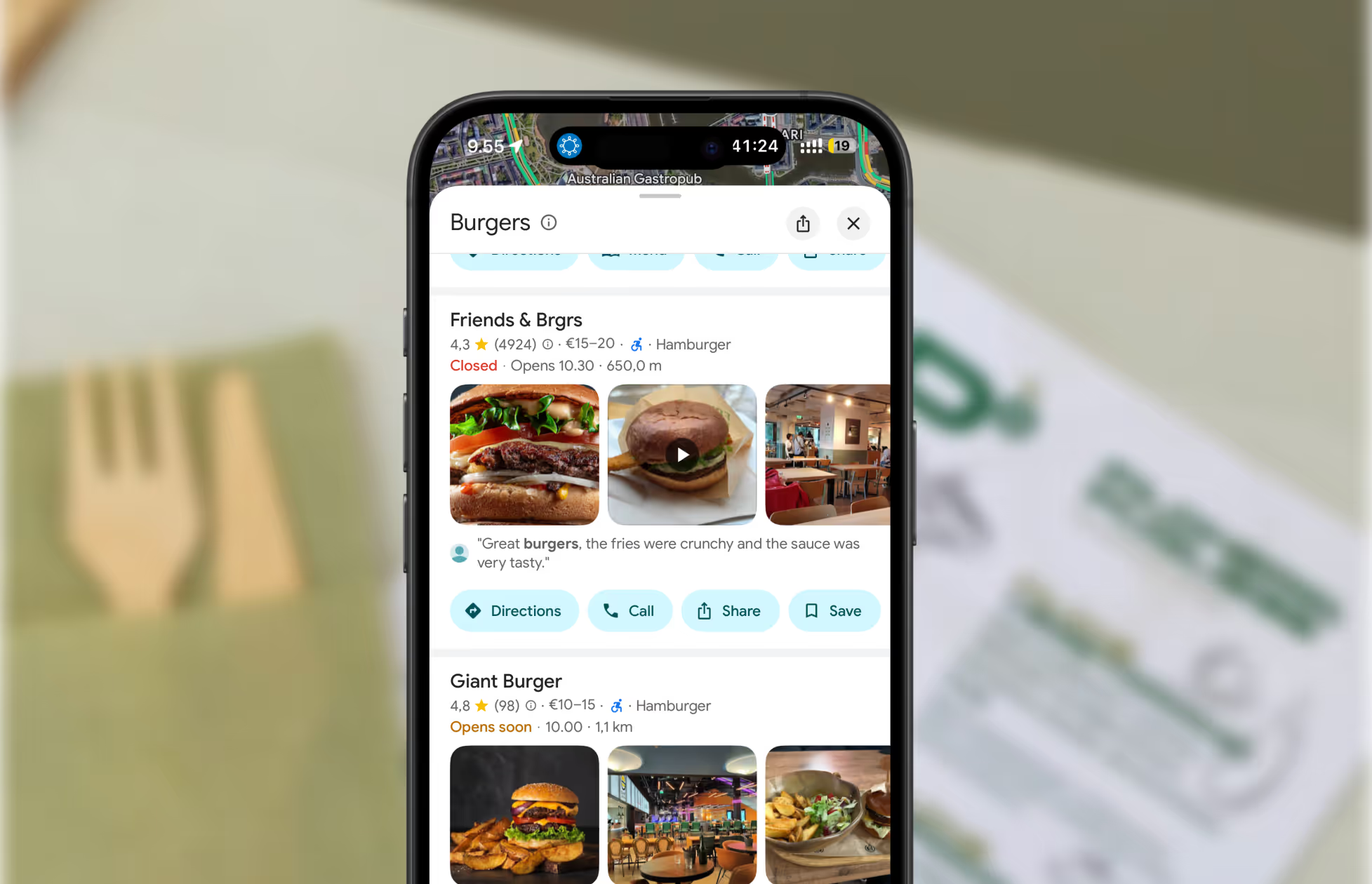
A screenshot of restaurants on Google Maps.
Get found where your customers are looking
Manage your business listings on Google, Apple Maps, Bing and social — all from one place.
Get started free
Read about our privacy policy.
Thank you! Your submission has been received!
Oops! Something went wrong while submitting the form.

Related blog posts

Join 8000+ businesses reaching more customers online with Mobal

Save time, reach more customers

Helping business succeed online

Book a demo
Icon
Icon
Middle-aged woman outdoors with a pink scarf draped over her shoulders and sunglasses on her head, smiling in a sunny park.
Three men wearing caps and jackets sitting and conversing on a boat with a foggy harbor in the background.Icon