All
September 16, 2025

Local Search Engine Optimization for Beginners

Our best tips for local business owners who want to show up first on Google and turn online searches into real customers—no jargon, just results.
Ev charging stations
Published on
November 6, 2025
Key takeaways
  • Local SEO is the fastest way for local businesses to get found by real, ready-to-buy customers.
  • You don’t need to be a tech wizard—just focus on a few proven strategies.
  • Three big wins: Claim your business listings, use the right local keywords, and turn reviews into your reputation rocket.
  • What is Local SEO? (And Why Should You Care?)

    Imagine someone nearby is searching for what you do—right now. If your business doesn’t show up, you’re missing out. Local SEO (search engine optimization) is how you make sure your business is the first thing people see when they search on Google.

    It’s not about fancy tricks. It’s about being easy to find, easy to trust, and easy to choose.

    How Does Local SEO Work? (Real-Life Example)

    Let’s say you own a bakery. Someone down the street searches “cupcakes near me.” If your bakery pops up first, you just got a new customer. If you don’t, they’ll go somewhere else. Local SEO is how you make sure you’re the one they find.

    The 3 Easiest Wins for Local SEO (2026 Edition)

    You don’t need a marketing degree. Just do these three things and you’ll be ahead of most local businesses:
    1. Claim Your Business on Google (Takes 10 Minutes)

    This is the single most important thing you can do. It’s free and easy.

    How to do it:

    • Go to Google Business Profile
    • Click “Manage now”
    • Fill in your business name, address, phone, and website
    • Add your hours, photos, and what you offer
    • Double-check everything is correct

    Why it matters:
    This is what shows up when people search for you. If you don’t claim it, you’re invisible.

    Pro tip:
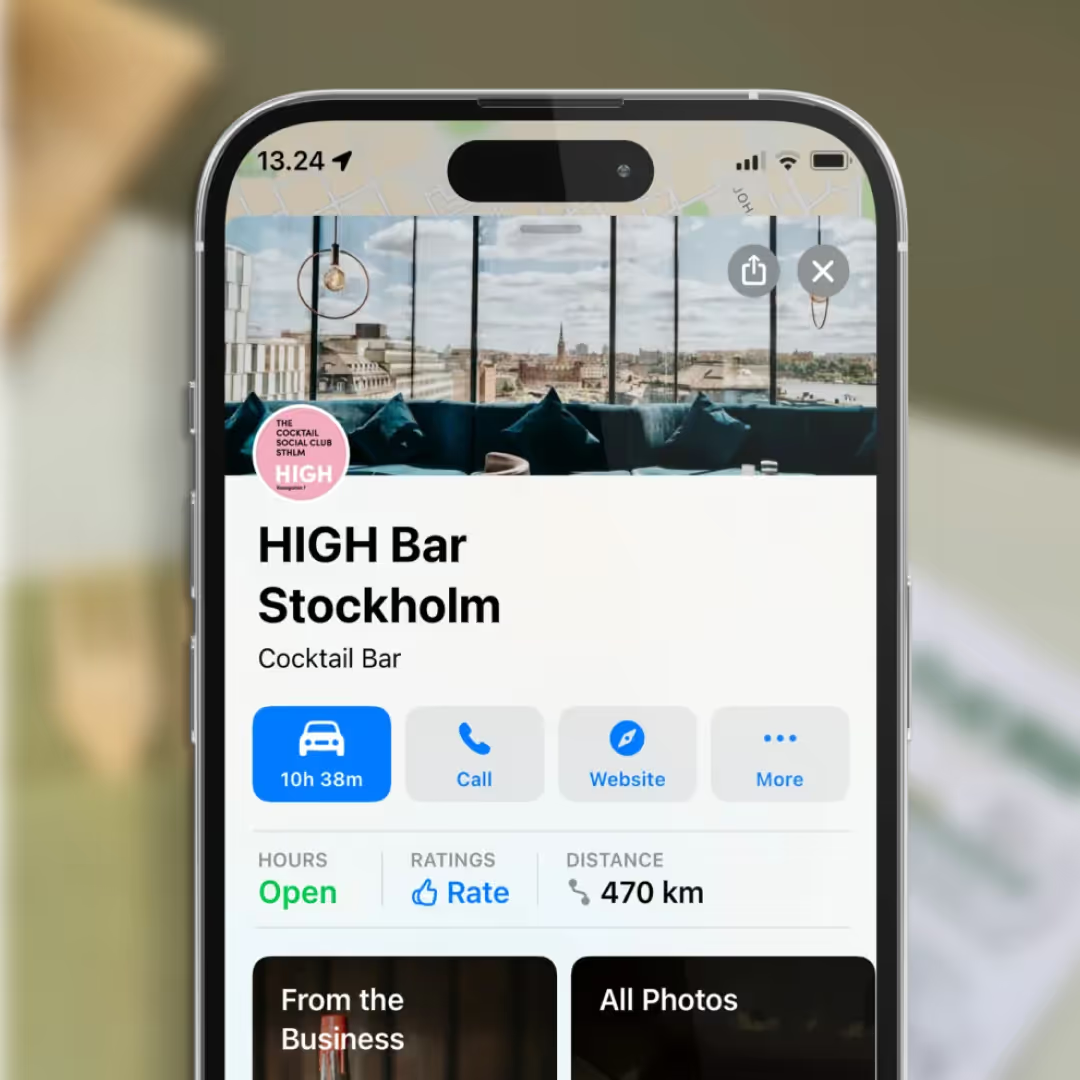
    Make sure your info matches everywhere—Google, Apple Maps, Yelp, Facebook. If your address or phone is different in one place, Google gets confused and might not show you at all.

    2. Use the Words People Actually Search For

    You want to show up when people search for what you do, in your area.

    How to do it:

    • Think about what people type into Google: “EV charging station in Austin,” “best pizza near me,” “dog groomer open now.
    • Put these words on your website’s homepage, in your business description, and in your Google Business Profile.
    • Mention your city or neighborhood! (“Best cupcakes in Brooklyn” beats just “best cupcakes.”)

    Tools to help:
    Try Google Keyword Planner for ideas, or just type your service into Google and see what pops up.

    3. Ask Happy Customers for Reviews

    Reviews are like gold for local businesses. More reviews = more trust = more customers.

    How to do it:

    • After a sale, ask: “Would you mind leaving us a quick review on Google?”
    • Text or email them the link (Google gives you a shareable link in your profile)
    • Respond to every review—even the bad ones. Thank people for good reviews, and politely address any issues in bad ones.

    Why it matters:
    Businesses with more reviews and better ratings show up higher in search.

    Frequently asked questions

    Why now?

    Restaurants already trust Mobal to keep their listings accurate across Google and Apple. The website was the one part of their online presence still managed separately, with a different tool and a different login. Now it's part of the same system.

    Why does this matter for my restaurant?

    Every hour your site shows the wrong hours or an old menu is an hour a customer can be misled or turned away. And every evening spent editing a website is an evening away from the kitchen. Restaurant Websites removes both.

    What can I add to my site?

    Customers can buy gift cards directly on the site and book a table through an added widget like TableOnline. An ordering button links out to your provider, such as Wolt. Your location details, menu, hours, and special hours stay in sync with your Google and Apple listings.

    Which languages does it support?

    Choose from eight supported languages (English, Finnish, Swedish, Estonian, Russian, French, Spanish, and German) at launch and add translated versions of your site with a few clicks. More languages on request.

    What if I want a custom design?

    Restaurant Websites gives you a strong base built specifically for restaurants: the pages, layouts, and search foundations designed to help guests find and use your site. You can apply your own branding, colours, images, and pages on top.

    Can I keep my domain if I move from another builder?

    Yes. You hand over your domain and keep it.

    What does it cost?

    €29 per website per month, as an add-on. You can build and preview a site free in the demo before committing.
    Get started  today
    Transform how you do business. Own your digital future.
    Book a free demo
    contact us today
    White Arrow
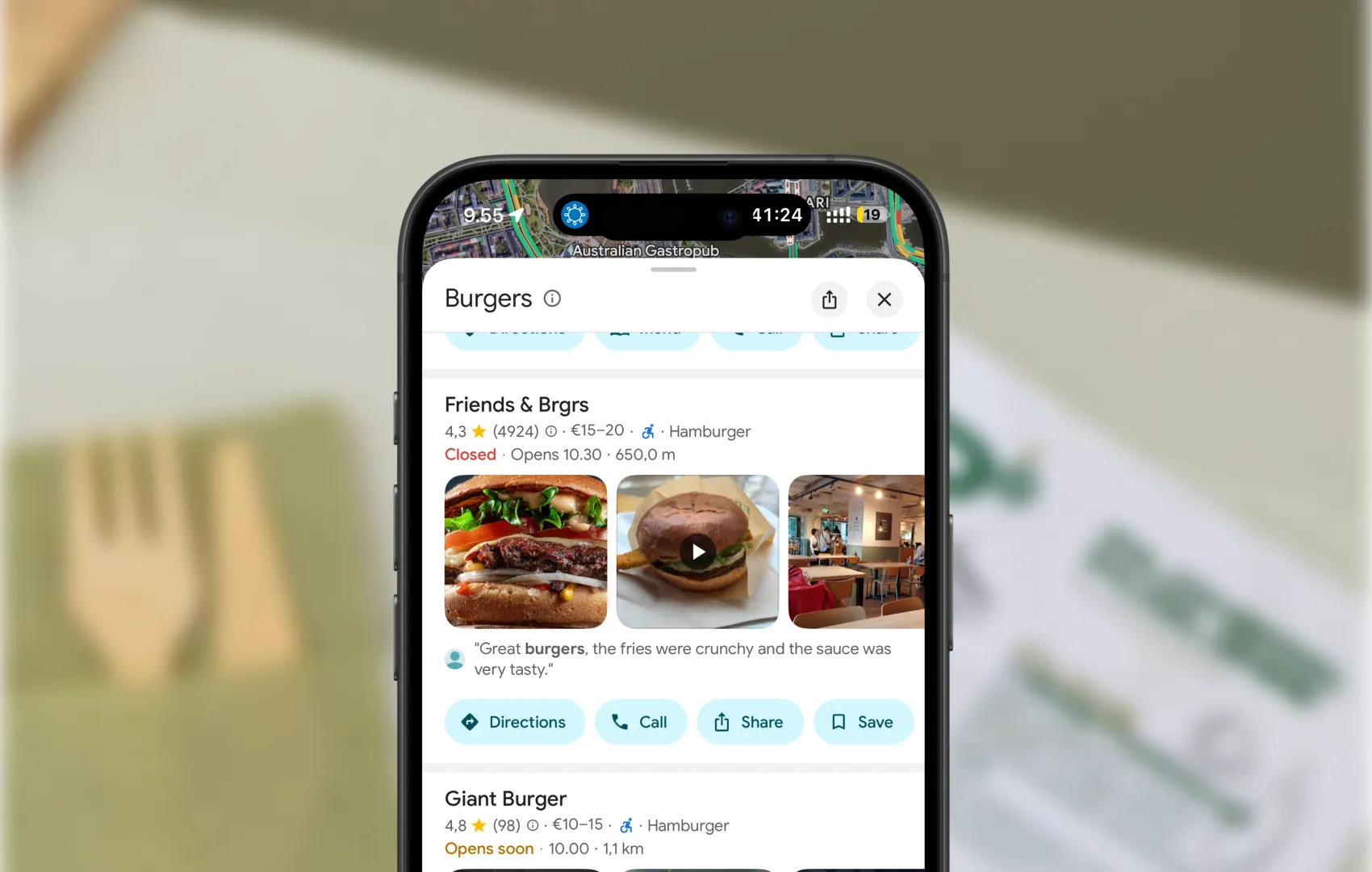
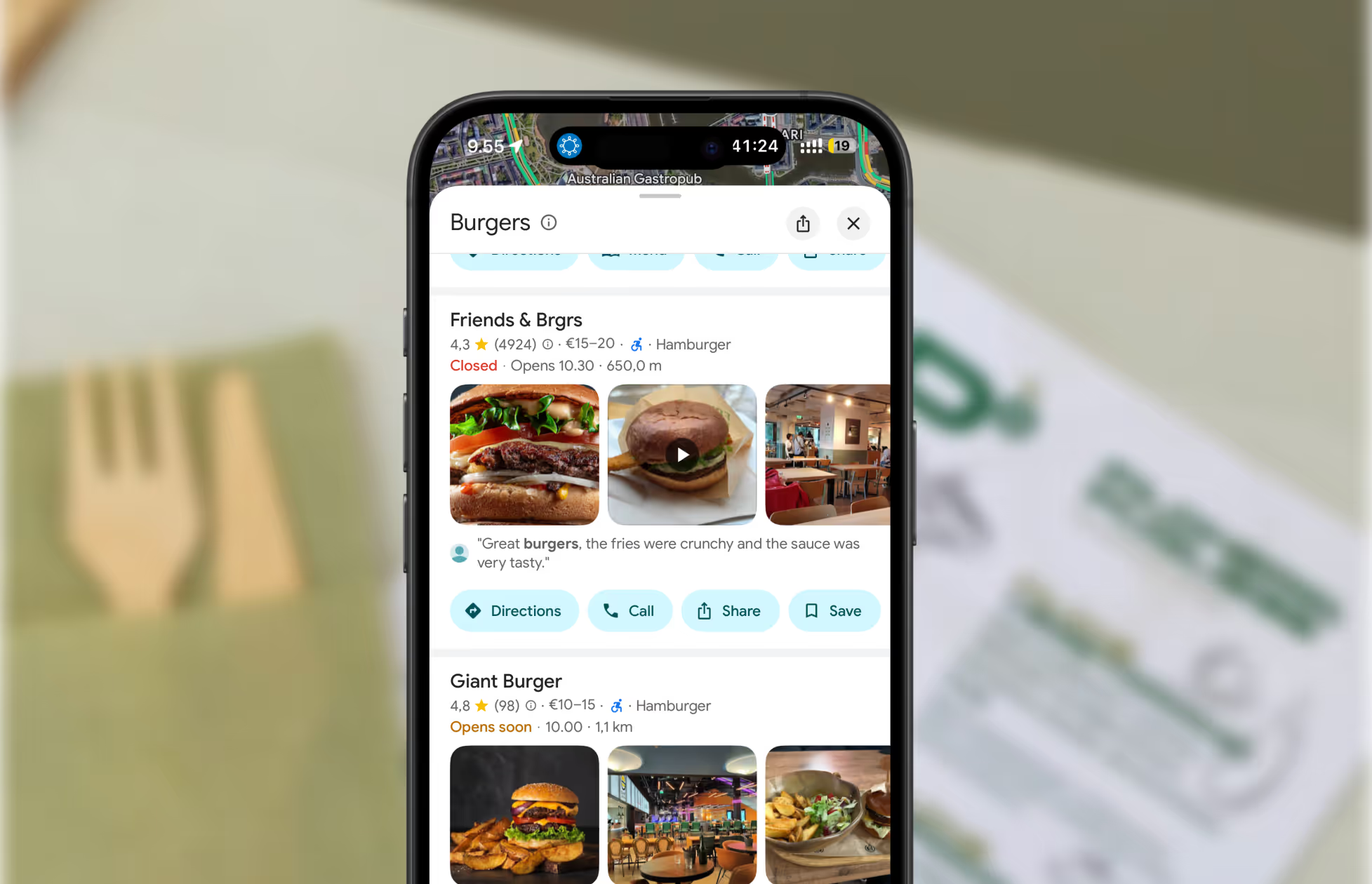
    A screenshot of restaurants on Google Maps.
    Get found where your customers are looking
    Manage your business listings on Google, Apple Maps, Bing and social — all from one place.
    Get started free
    Read about our privacy policy.
    Thank you! Your submission has been received!
    Oops! Something went wrong while submitting the form.

    Related blog posts

    Join 8000+ businesses reaching more customers online with Mobal

    Save time, reach more customers

    Aitame ettevõtetel veebis nähtavaks muutuda

    Broneeri demo
    Icon
    Icon
    Middle-aged woman outdoors with a pink scarf draped over her shoulders and sunglasses on her head, smiling in a sunny park.
    Three men wearing caps and jackets sitting and conversing on a boat with a foggy harbor in the background.Icon