All
September 16, 2025

How to Report and Remove Fake Google Reviews (Step-by-Step Guide)

Tired of fake reviews hurting your business? Here’s how to spot, report, and remove them—fast. Plus, see how Mobal keeps your reputation spotless across Google, Apple, and more.
Ev charging stations
Published on
November 6, 2025
Key takeaways
  • Fake reviews can damage your reputation and scare away real customers.
  • Google lets you report and remove reviews that break their rules—but you need to know what counts as “fake.”
  • Learn how to spot the difference between legit feedback and shady reviews.
  • Mobal makes managing and monitoring your reviews across all platforms effortless.

Why Fake Google Reviews Are a Big Deal

Let’s be blunt: one fake review can cost you real money. Whether it’s a competitor playing dirty or a random troll, fake reviews can tank your rating and turn away customers before you even get a chance.

But here’s the good news—Google doesn’t want fake reviews either. If you know what to look for (and how to report them), you can keep your reputation clean and your business booming.

What Counts as a Fake Google Review?

Not every bad review is fake. Here’s how to tell the difference:

Legitimate Review Examples

  • “The staff was friendly, but my order took a little longer than expected. Food was great though!”
  • “I visited on a busy Saturday and had to wait, but the service made up for it.”

These are real experiences—even if they’re not all five stars.

Fake Review Examples

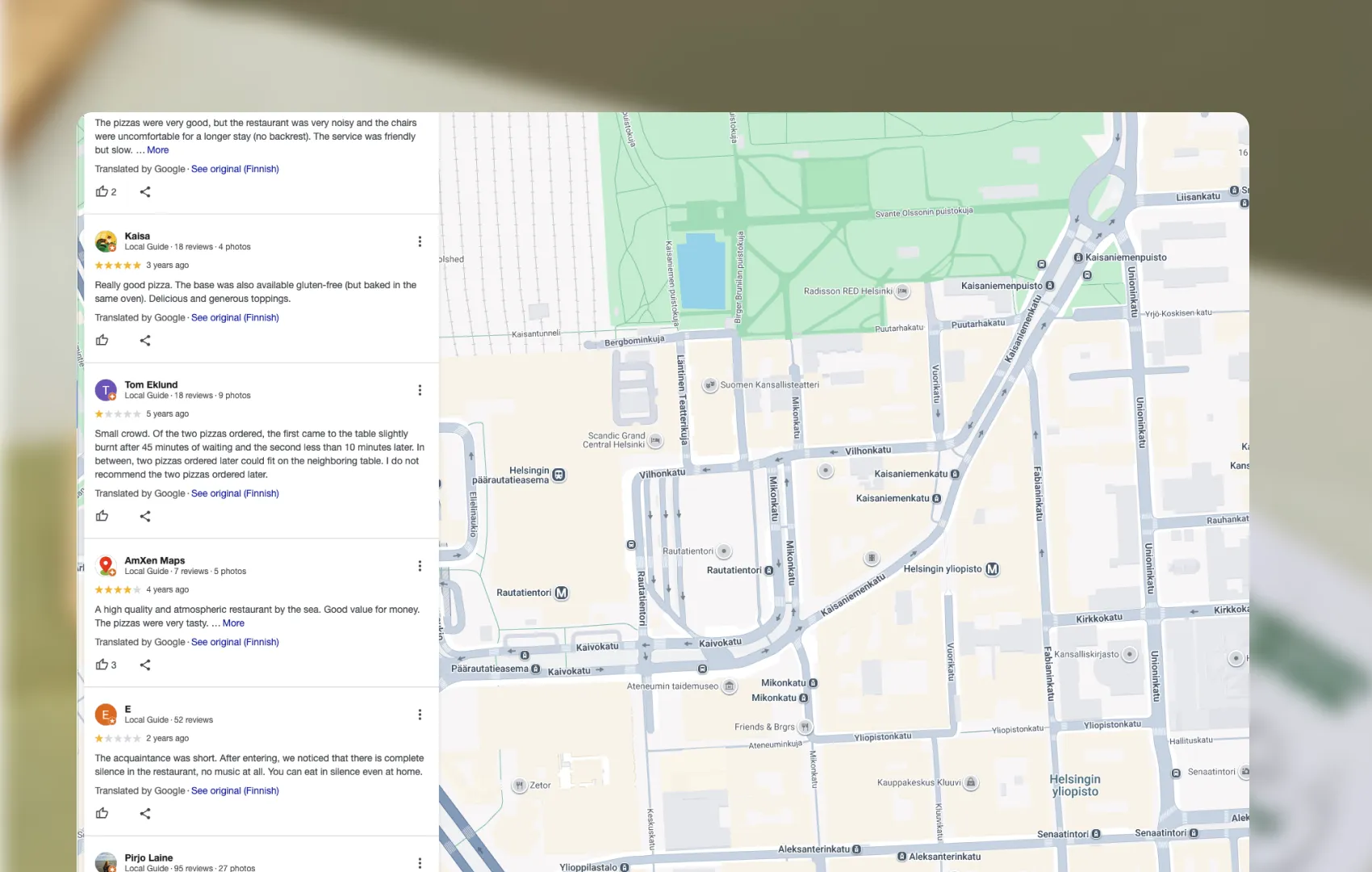
  • “This place is a scam. I’ve never been, but my friend said it’s awful.”
  • “Terrible service, avoid at all costs!” (posted by someone who’s never been a customer)
  • Reviews with suspicious patterns—like multiple 1-star ratings from accounts with no profile photos or review history.

If it sounds fishy, it probably is.

Step-by-Step: How to Report a Fake Google Review

1. Sign in to Google Business Profile

Head to your Google Business Profile Manager. If you’re not already verified, do that first. (No control, no cleanup.)

2. Find the Fake Review

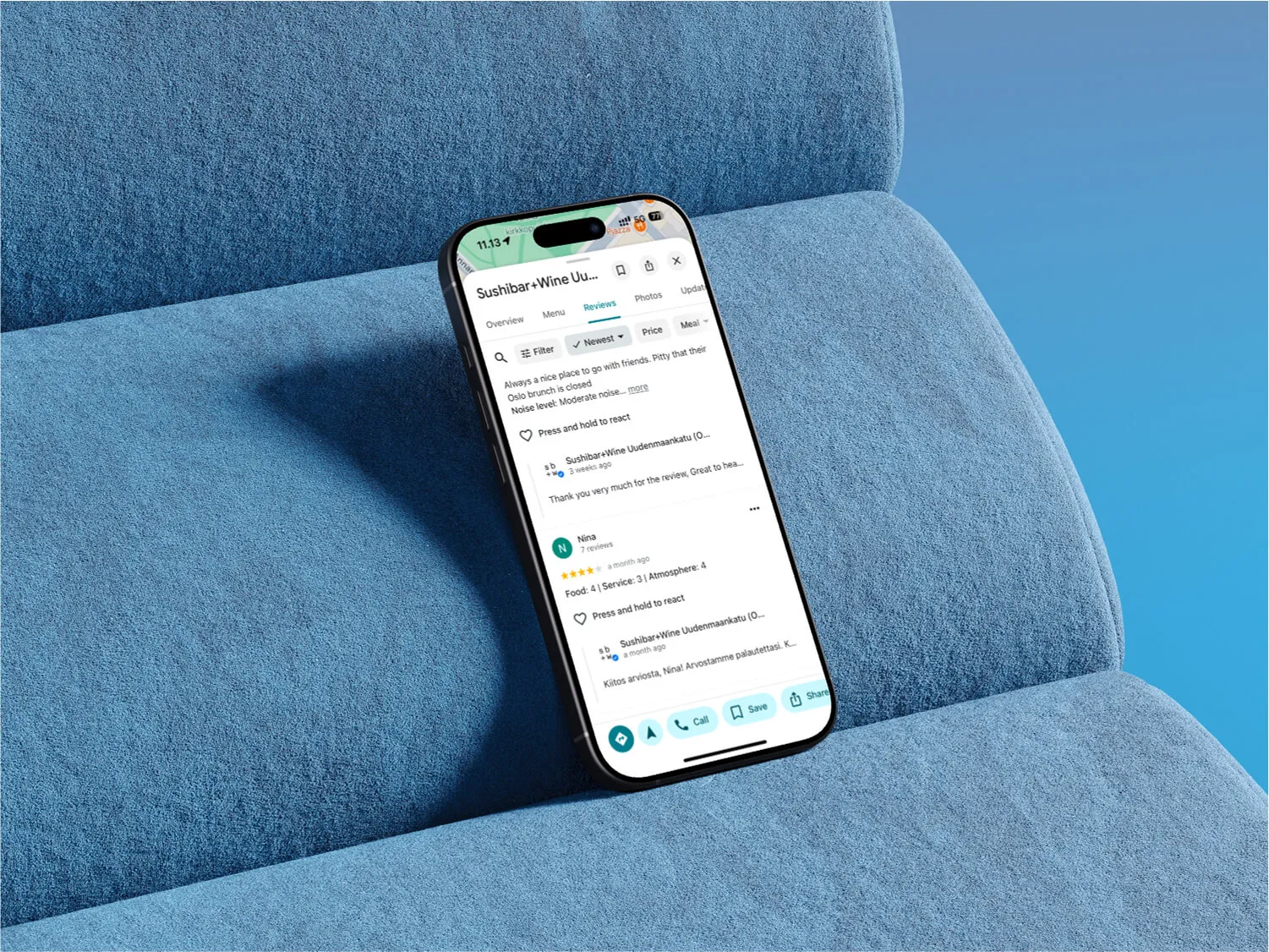
Go to the “Reviews” section. Scroll until you spot the review that doesn’t belong.

3. Flag the Review

  • Click the three dots next to the review.
  • Select “Flag as inappropriate.”
  • Choose the reason (like “Spam” or “Conflict of interest”).

Pro tip: Be specific! The more details, the better.

4. Wait for Google’s Review

Google will investigate—usually within a few days. If the review breaks their rules, it’s gone. If not, you’ll get a notification.

5. Follow Up (If Needed)

If Google doesn’t remove the review, don’t give up. You can:

  • Contact Google Business Support directly.
  • Gather evidence (screenshots, customer records) to back up your claim.
  • Respond publicly to the review (keep it professional and factual).

Frequently asked questions

Why now?

Restaurants already trust Mobal to keep their listings accurate across Google and Apple. The website was the one part of their online presence still managed separately, with a different tool and a different login. Now it's part of the same system.

Why does this matter for my restaurant?

Every hour your site shows the wrong hours or an old menu is an hour a customer can be misled or turned away. And every evening spent editing a website is an evening away from the kitchen. Restaurant Websites removes both.

What can I add to my site?

Customers can buy gift cards directly on the site and book a table through an added widget like TableOnline. An ordering button links out to your provider, such as Wolt. Your location details, menu, hours, and special hours stay in sync with your Google and Apple listings.

Which languages does it support?

Choose from eight supported languages (English, Finnish, Swedish, Estonian, Russian, French, Spanish, and German) at launch and add translated versions of your site with a few clicks. More languages on request.

What if I want a custom design?

Restaurant Websites gives you a strong base built specifically for restaurants: the pages, layouts, and search foundations designed to help guests find and use your site. You can apply your own branding, colours, images, and pages on top.

Can I keep my domain if I move from another builder?

Yes. You hand over your domain and keep it.

What does it cost?

€29 per website per month, as an add-on. You can build and preview a site free in the demo before committing.
Get started  today
Transform how you do business. Own your digital future.
Book a free demo
contact us today
White Arrow
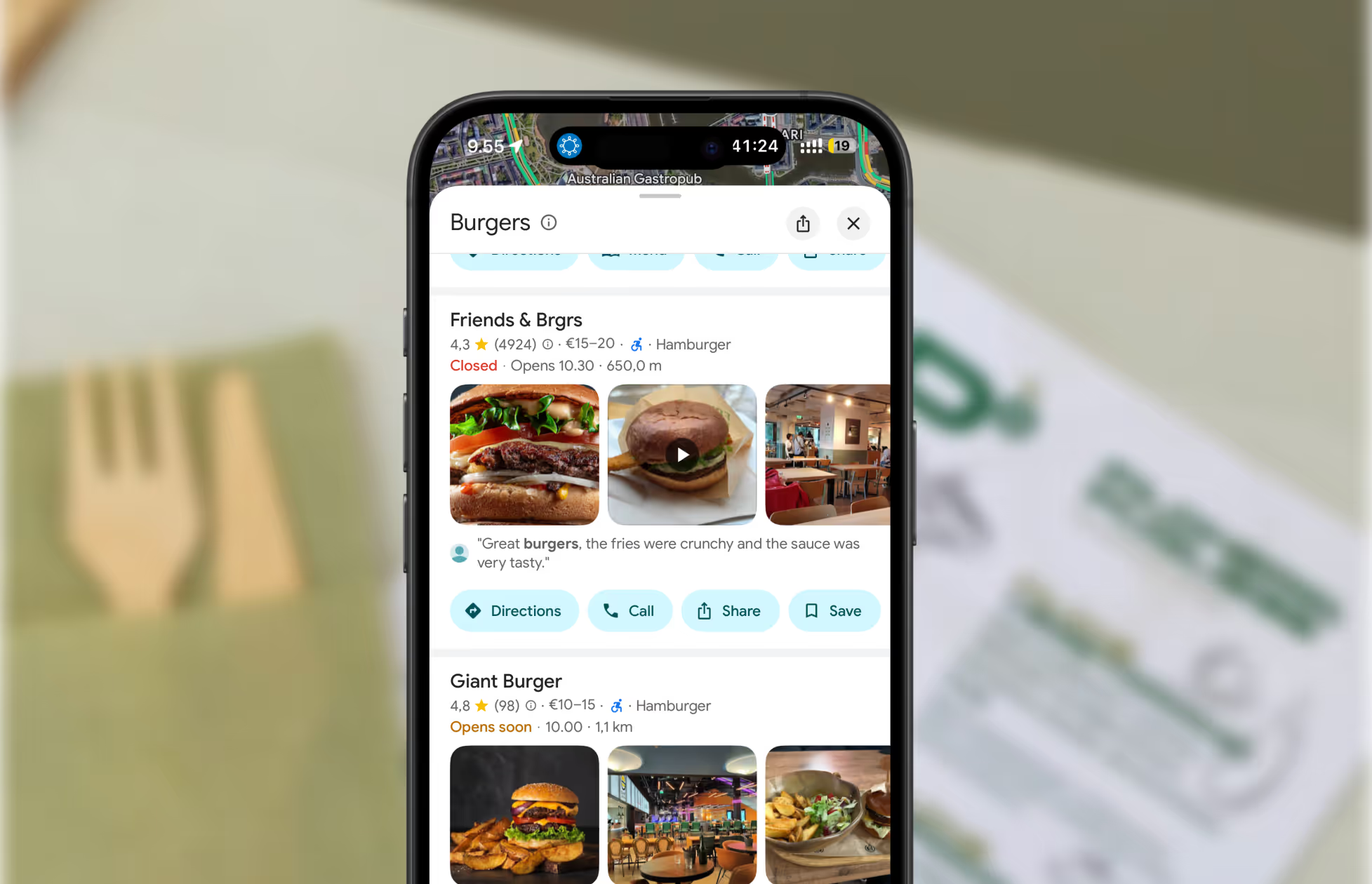
A screenshot of restaurants on Google Maps.
Get found where your customers are looking
Manage your business listings on Google, Apple Maps, Bing and social — all from one place.
Get started free
Read about our privacy policy.
Thank you! Your submission has been received!
Oops! Something went wrong while submitting the form.

Related blog posts

Join 8000+ businesses reaching more customers online with Mobal

Save time, reach more customers

Aitame ettevõtetel veebis nähtavaks muutuda

Broneeri demo
Icon
Icon
Middle-aged woman outdoors with a pink scarf draped over her shoulders and sunglasses on her head, smiling in a sunny park.
Three men wearing caps and jackets sitting and conversing on a boat with a foggy harbor in the background.Icon