

Apple Business Connecti integreerimise väljakuulutamine
Lisateave →
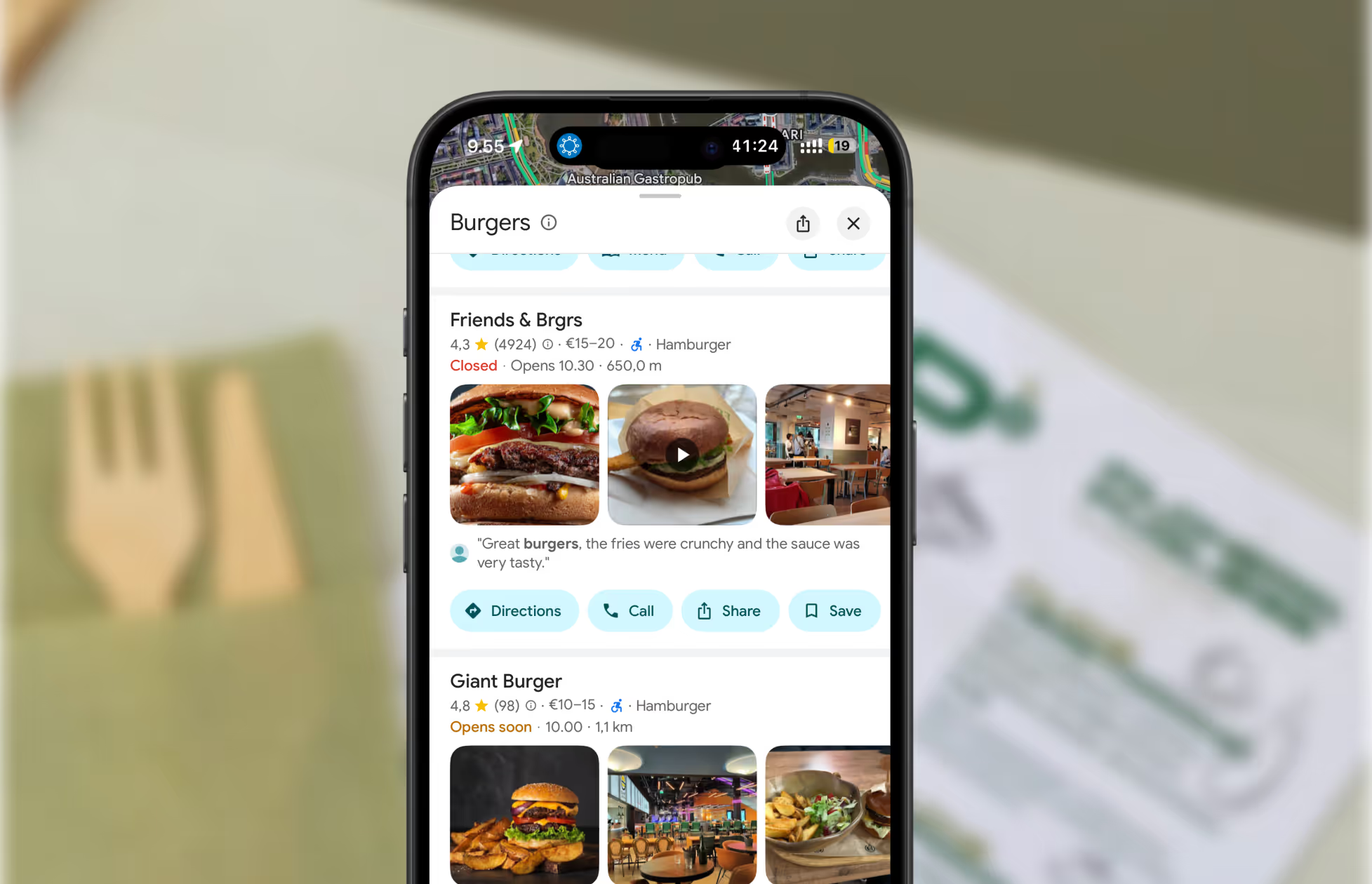
If your business has closed, moved, rebranded, or is mistakenly listed on Apple Maps, you’ll want to remove or update the listing before customers end up at the wrong place. A single outdated address can lead to frustrating experiences, bad reviews, and lost revenue — all easy problems to avoid once you know where to update your information.
This guide walks you through the simplest, most reliable ways to remove a business listing from Apple Maps, and when it’s better to update the listing instead.
Most businesses remove an Apple Maps listing for a few common reasons:
• The business has closed permanently
• You’ve moved to a new address
• An old or duplicate location is still showing
• Your business is listed by mistake
• You’re rebranding and need a fresh start
Whatever your situation, the goal is the same: customers should never be misled by outdated information online. Apple Maps is one of the first sources people check, so accuracy matters.
Learnhow to edit your business hours on Apple Maps
If you already use Mobal, removing or updating your Apple Maps information is even easier. Mark your business as closed or update your details inside your Mobal dashboard, and the changes sync automatically across Apple Maps, Google Maps, Facebook, Bing, and every other major platform.
No waiting. No repeating the same update on multiple websites.
If you prefer to do it directly, follow these steps:
If you’re unable to log in or you’re not the original owner of the listing, you can still request removal directly from Apple Maps.


Apple will review your report and typically update Maps within a few days. Re-check Apple Maps to confirm the removal.
Many businesses don’t actually need to be removed — they just need updated information. Removing a listing can make you harder to find, especially if you’re still open but operating under a new name, moved to a new address, or changed your hours.
Here are quick fixes you can make instead of deleting the listing:
Open Apple Maps
Report an Issue
Select “Incorrect Location”
Add your new address and submit
Open your place card
Report an Issue
Select “Incorrect Business Hours”
Submit the correct schedule
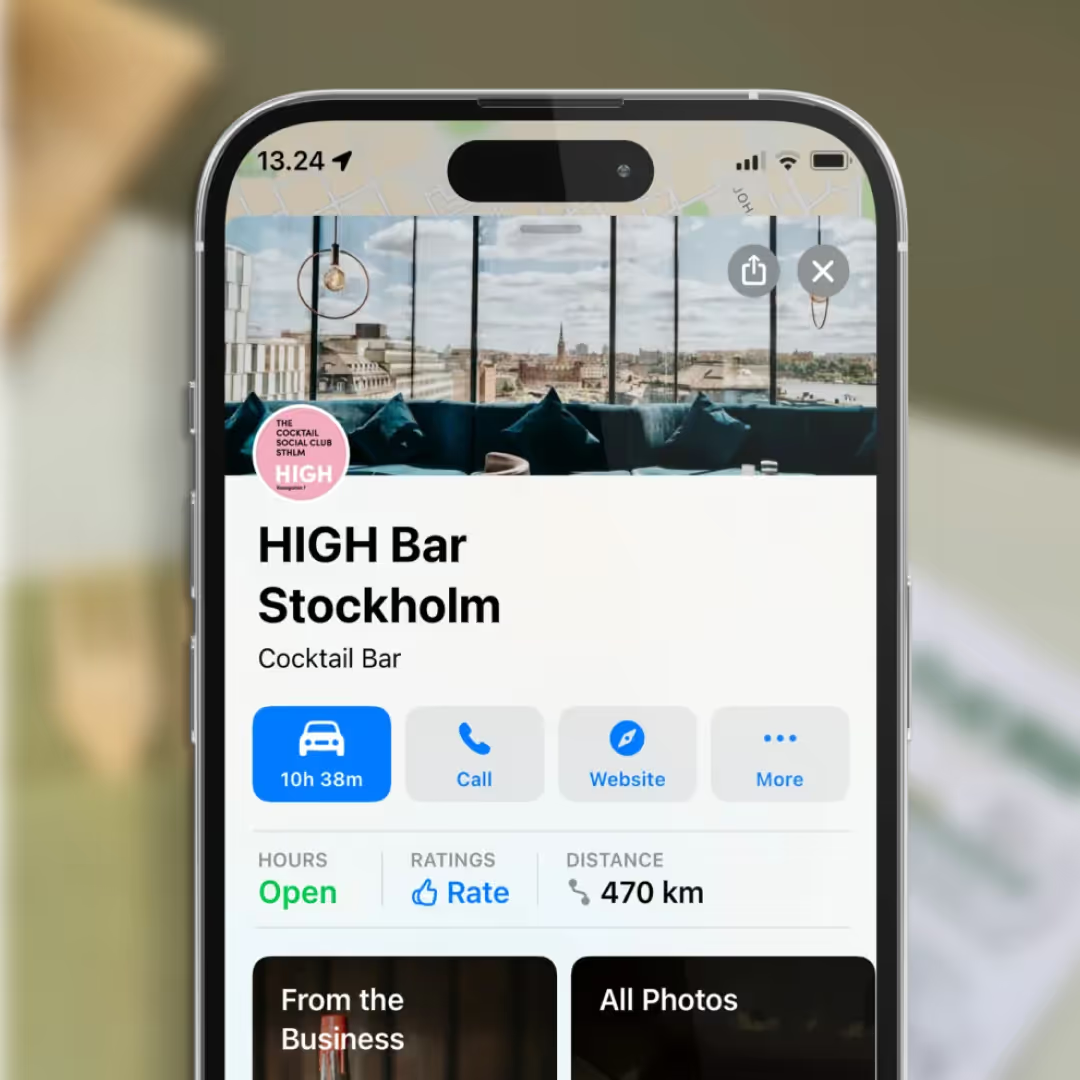
Update your name, website, phone number, and photos through Apple Business Connect.
These updates are usually approved faster than removal requests, and they prevent customers from losing track of your business.
• If your business closed or moved, update your website and social channels too — customers still check these first.
• Search your business on Google Maps, Facebook, Yelp, and similar platforms after updating Apple Maps to make sure no outdated listings remain.
• If you’re managing more than one location, use Mobal to update or remove them everywhere at once.
Restaurants already trust Mobal to keep their listings accurate across Google and Apple. The website was the one part of their online presence still managed separately, with a different tool and a different login. Now it's part of the same system.
Every hour your site shows the wrong hours or an old menu is an hour a customer can be misled or turned away. And every evening spent editing a website is an evening away from the kitchen. Restaurant Websites removes both.
Customers can buy gift cards directly on the site and book a table through an added widget like TableOnline. An ordering button links out to your provider, such as Wolt. Your location details, menu, hours, and special hours stay in sync with your Google and Apple listings.
Choose from eight supported languages (English, Finnish, Swedish, Estonian, Russian, French, Spanish, and German) at launch and add translated versions of your site with a few clicks. More languages on request.
Restaurant Websites gives you a strong base built specifically for restaurants: the pages, layouts, and search foundations designed to help guests find and use your site. You can apply your own branding, colours, images, and pages on top.
Yes. You hand over your domain and keep it.
€29 per website per month, as an add-on. You can build and preview a site free in the demo before committing.

.webp)
.webp)
.avif)




.webp)

.svg)
