

Apple Business Connect -integroinnin julkistaminen
Lue lisää →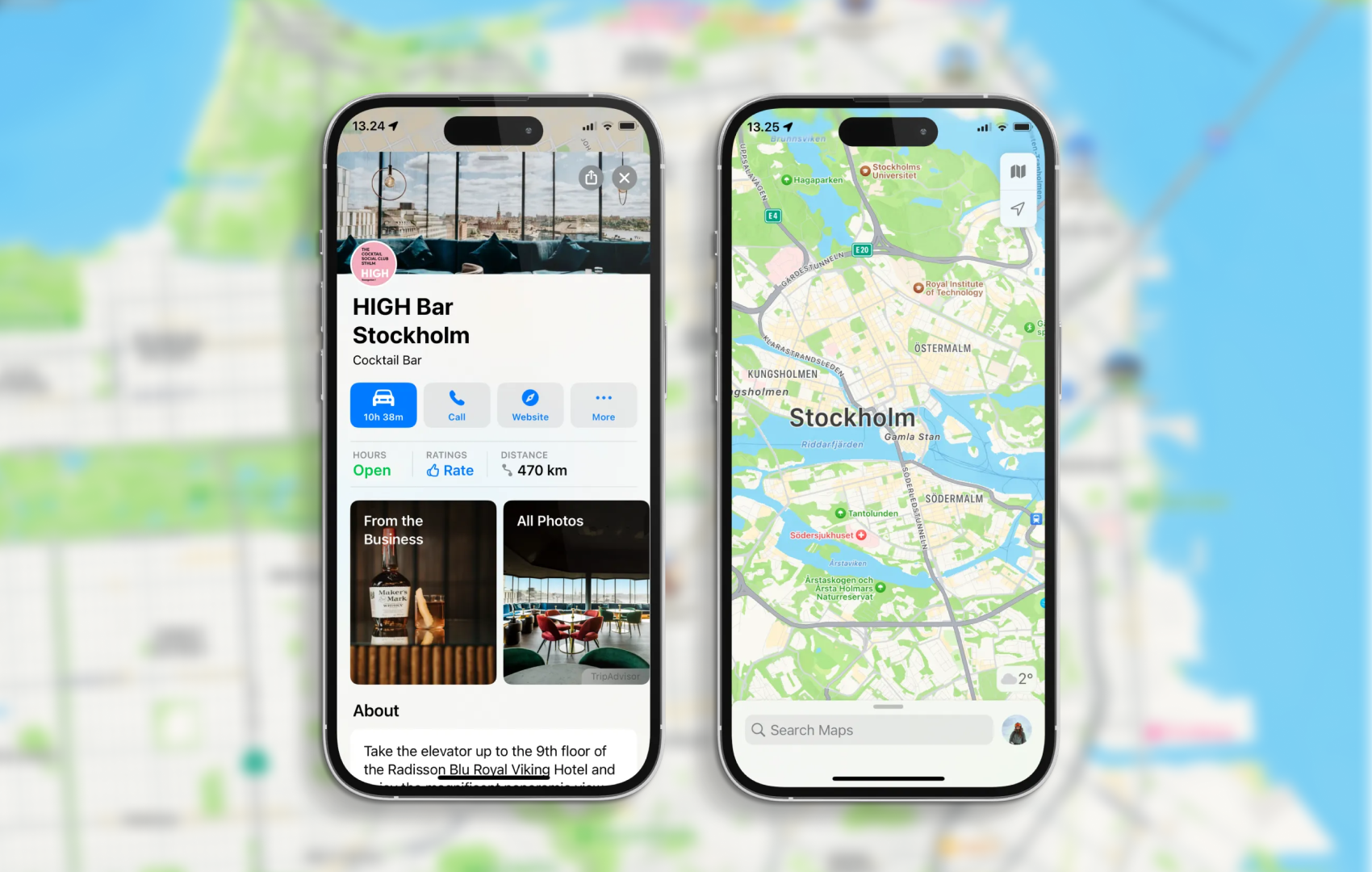
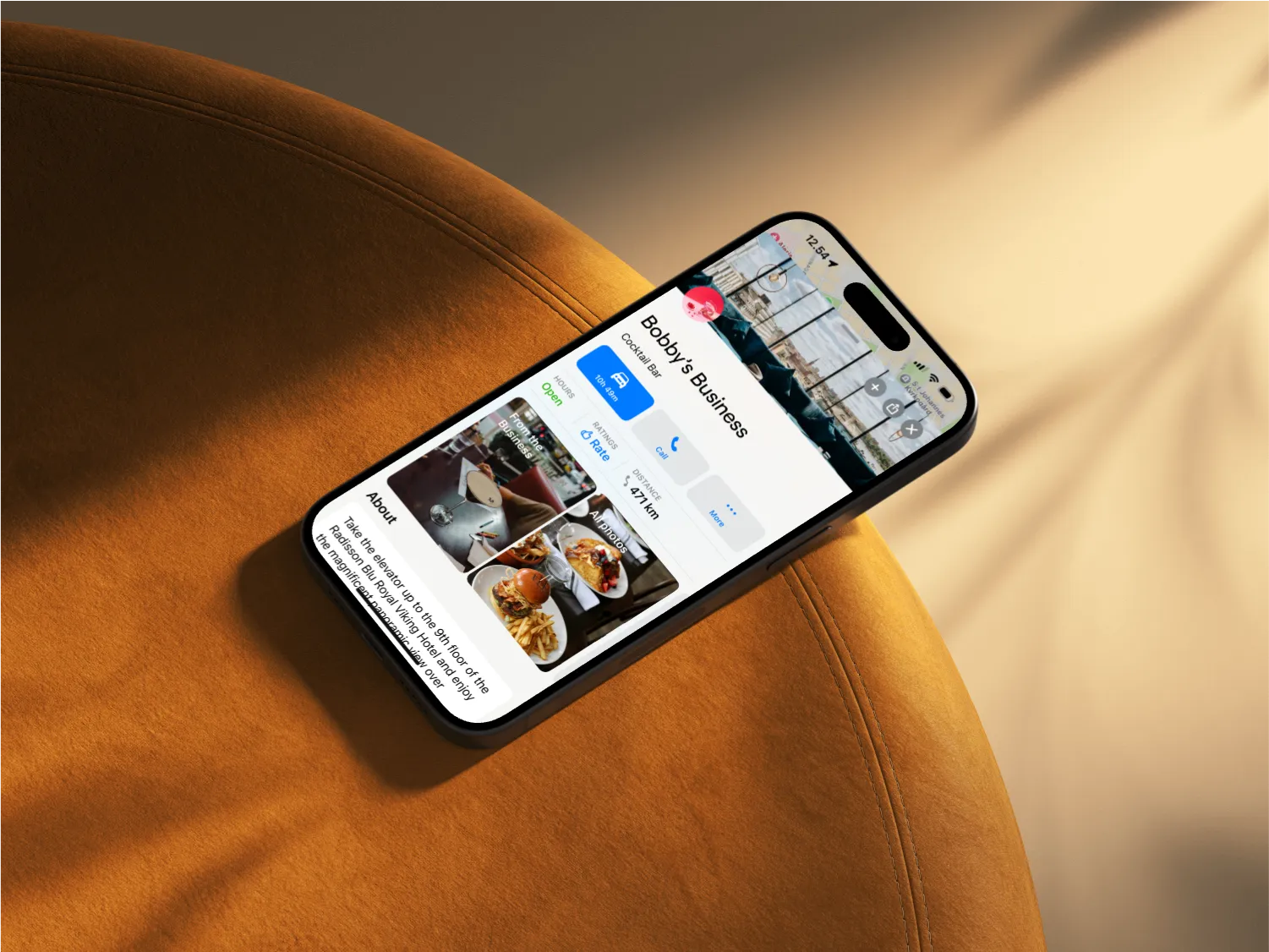
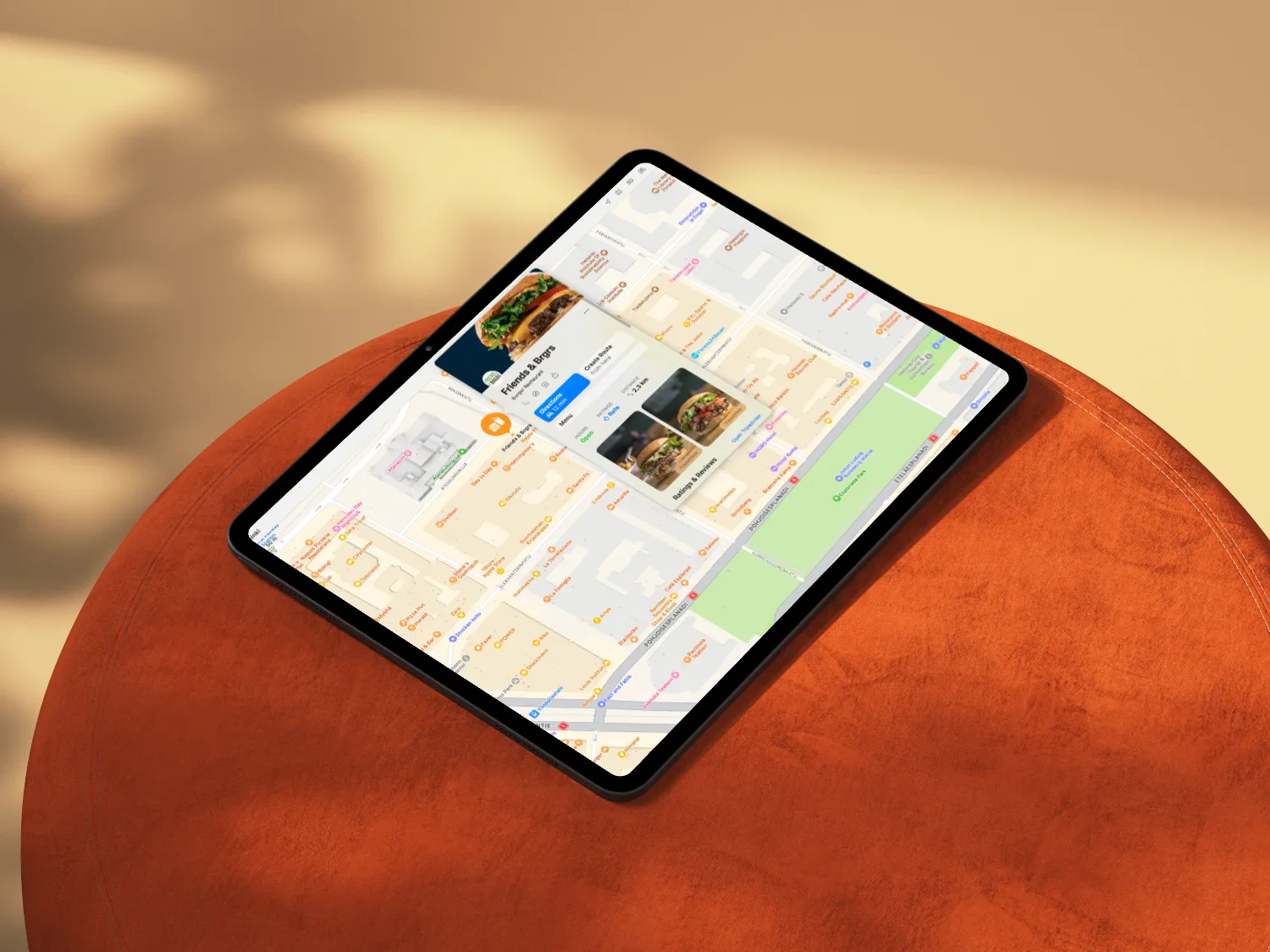
Having a strong online presence is essential for businesses to thrive. With Apple Maps being a go-to navigation app for millions of users worldwide, optimizing your place card on Apple Maps can significantly boost your visibility and attract more customers. In this guide, we'll walk you through optimizing your place card using Apple Business Connect, making it easy for potential customers to discover your business.
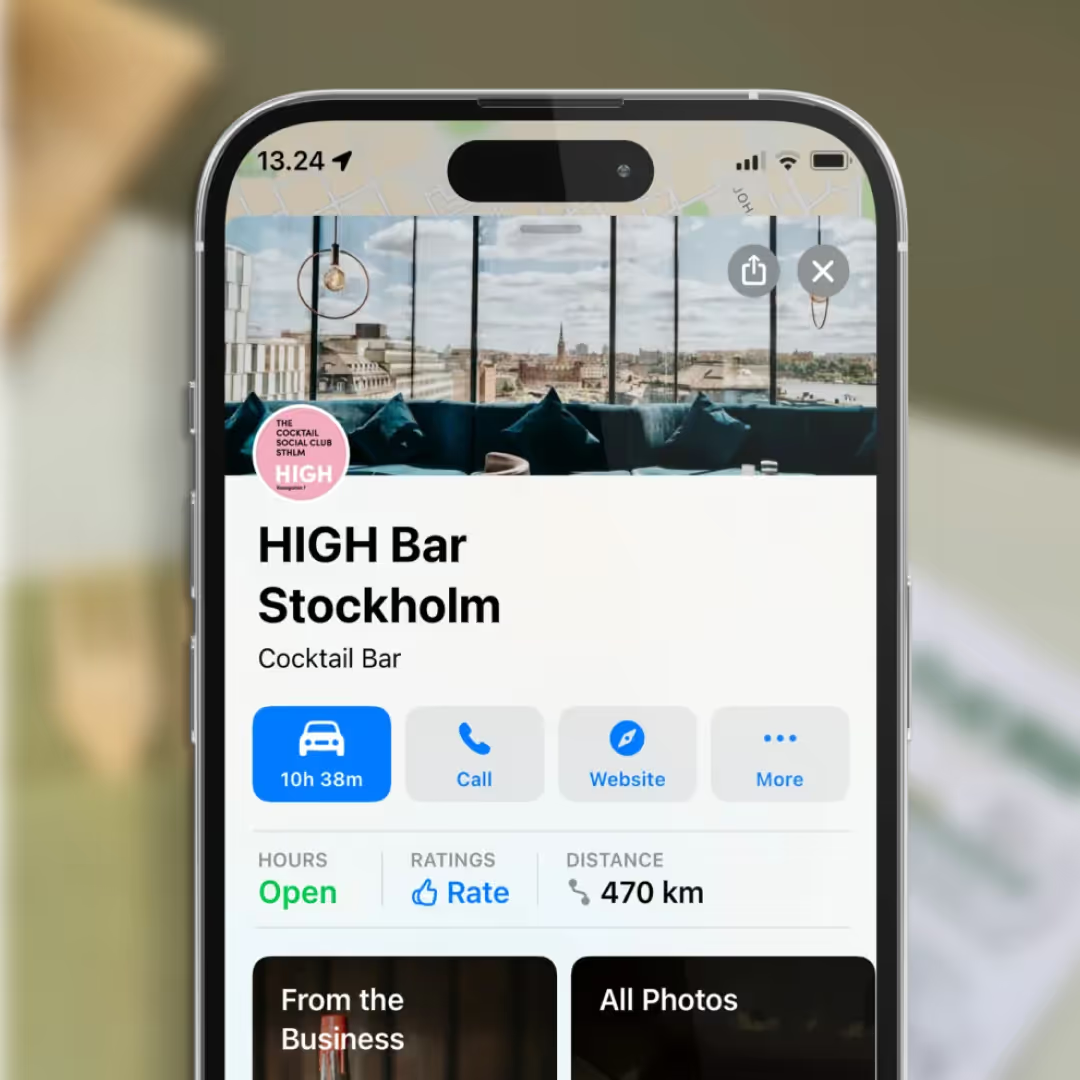
"Your place card on Apple Maps serves as a digital storefront for your business. By taking the time to optimize it with high-quality photos, accurate information, and positive reviews, you can make a lasting impression on potential customers and drive more foot traffic to your physical location."
Before we dive into optimization, let's briefly discuss Apple Business Connect. It's a powerful tool provided by Apple that allows businesses to manage their presence on Apple Maps. You can update your business information, add photos, and even respond to customer reviews through Apple Business Connect.
The first step in optimizing your place card on Apple Maps is to claim your business on Apple Business Connect. If you haven't already done so, visit the Apple Business Connect website and follow the prompts to claim business ownership. This step is crucial as it gives you complete control over your business listing.
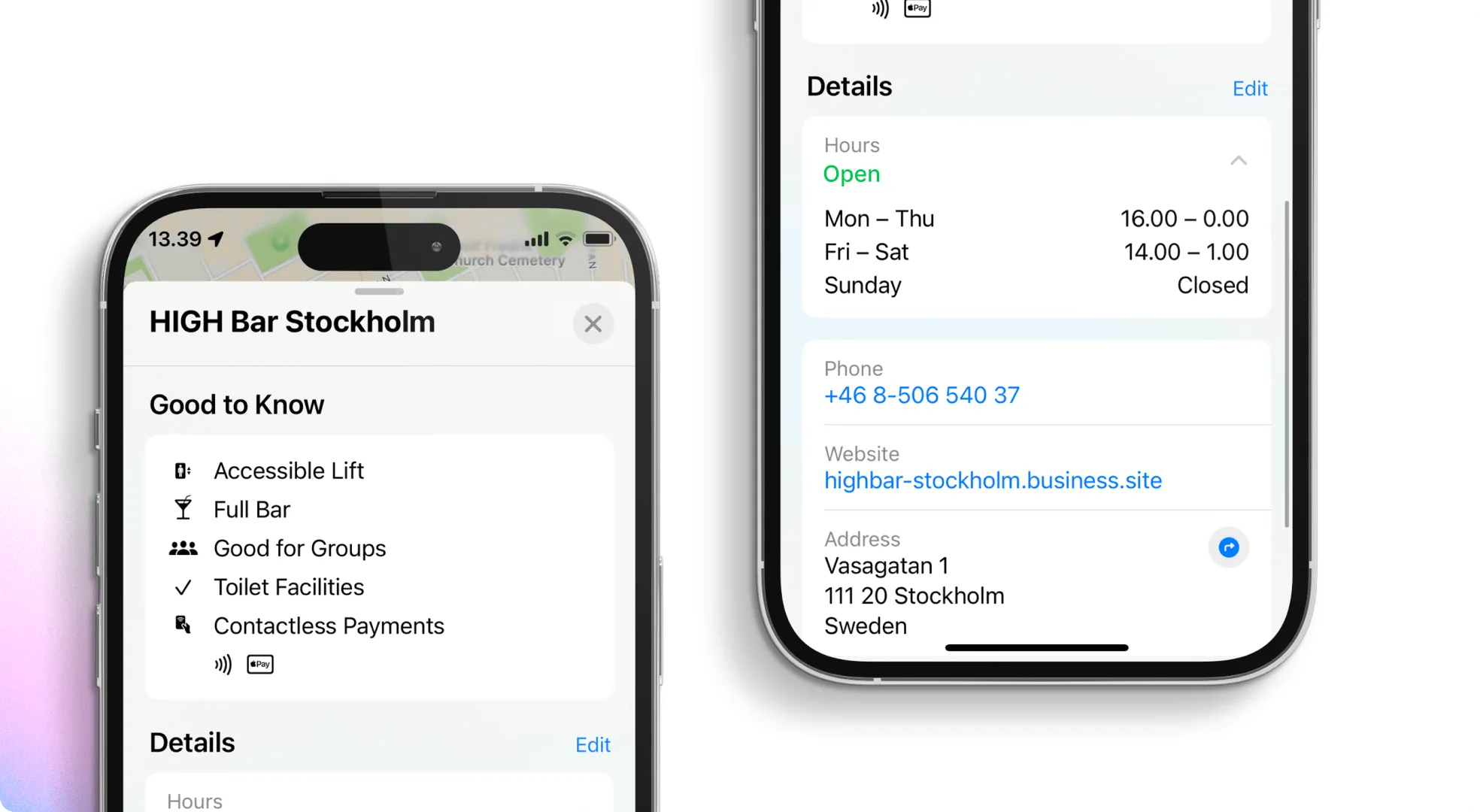
Once you've claimed your business, it's time to ensure that all your business information is accurate and up-to-date. This includes your business name, address, phone number, website URL, and hours of operation. Accurate information helps customers find you more quickly and enhances your credibility as a business.
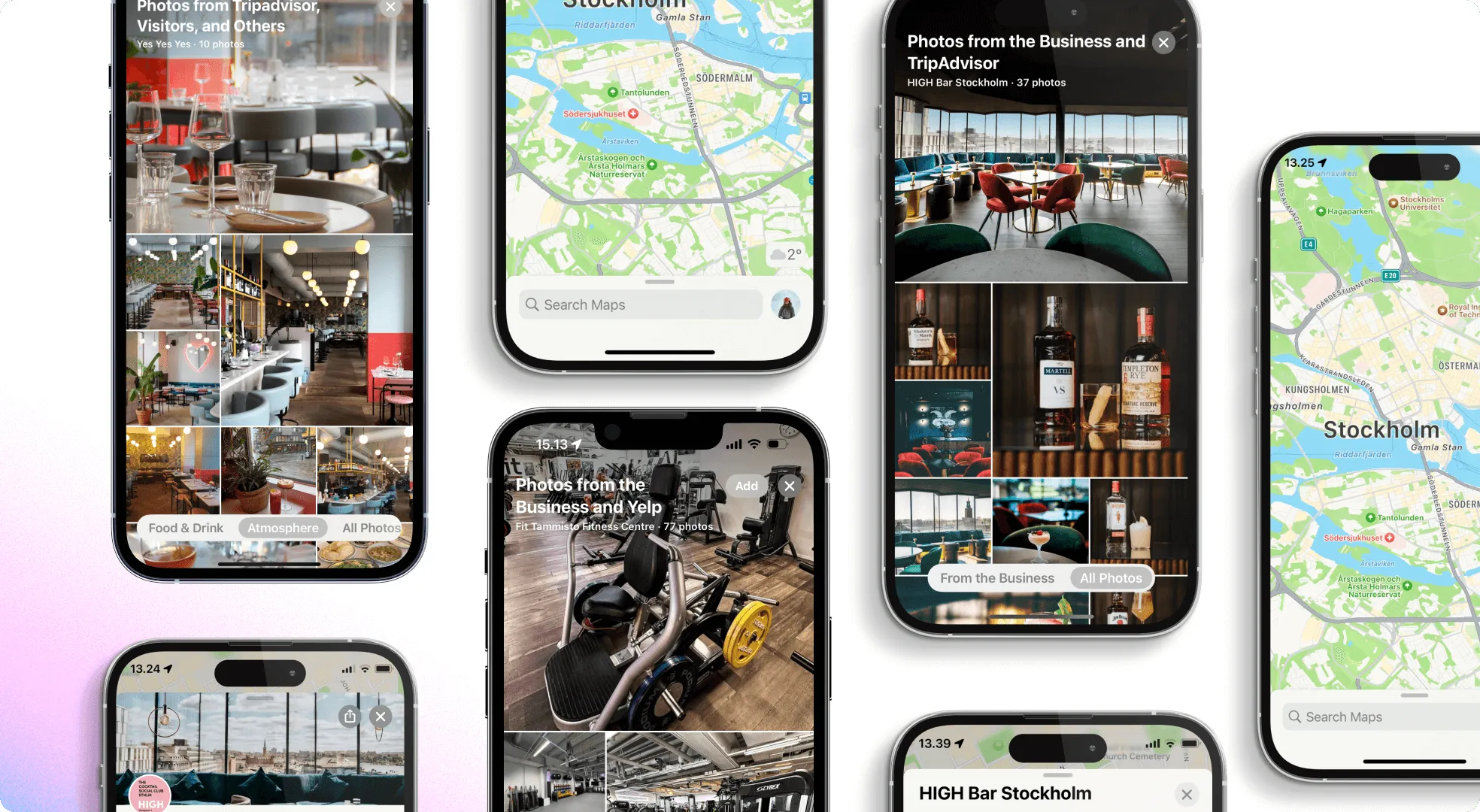
They say a picture is worth a thousand words, valid for your Apple Maps place card. Take advantage of the photo upload feature in Apple Business Connect to showcase your business visually. Upload high-quality photos of your storefront, products, and interior to give potential customers a glimpse of what to expect when they visit. Avoid using stock photos, and ensure that your images accurately represent your business.
Positive reviews can significantly impact your business's reputation and visibility on Apple Maps. Encourage satisfied customers to leave reviews by providing excellent service and engaging with them online and in-store. Remember to respond to reviews, whether positive or negative, promptly and professionally.
Once you've optimized your place card, regularly monitoring its performance is essential. Apple Business Connect provides valuable insights into how customers interact with your business listing. Pay attention to metrics such as views, searches, and actions taken to identify areas for improvement and further optimization.
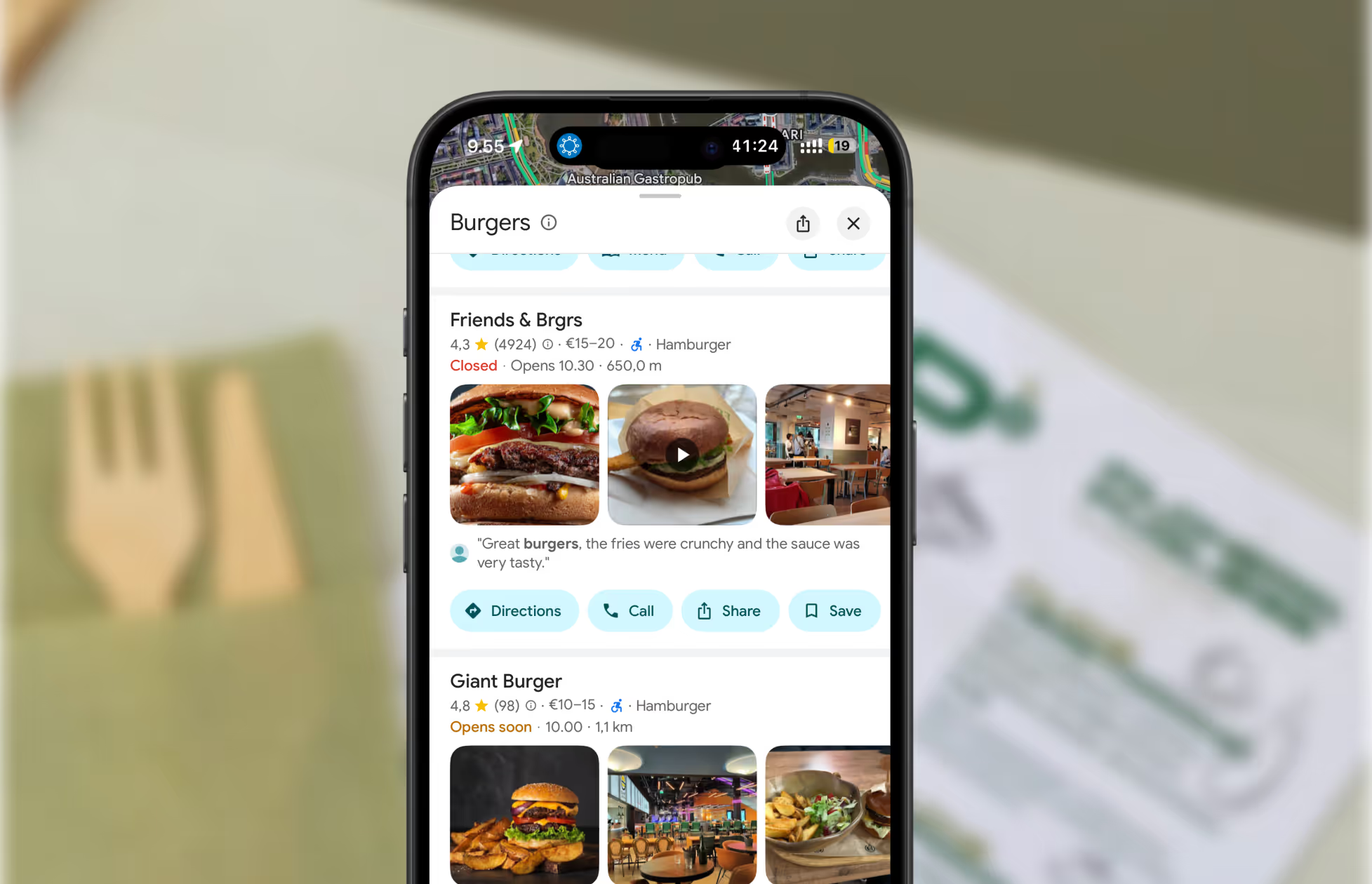
Restaurants already trust Mobal to keep their listings accurate across Google and Apple. The website was the one part of their online presence still managed separately, with a different tool and a different login. Now it's part of the same system.
Every hour your site shows the wrong hours or an old menu is an hour a customer can be misled or turned away. And every evening spent editing a website is an evening away from the kitchen. Restaurant Websites removes both.
Customers can buy gift cards directly on the site and book a table through an added widget like TableOnline. An ordering button links out to your provider, such as Wolt. Your location details, menu, hours, and special hours stay in sync with your Google and Apple listings.
Choose from eight supported languages (English, Finnish, Swedish, Estonian, Russian, French, Spanish, and German) at launch and add translated versions of your site with a few clicks. More languages on request.
Restaurant Websites gives you a strong base built specifically for restaurants: the pages, layouts, and search foundations designed to help guests find and use your site. You can apply your own branding, colours, images, and pages on top.
Yes. You hand over your domain and keep it.
€29 per website per month, as an add-on. You can build and preview a site free in the demo before committing.

.webp)
.webp)
.avif)




.webp)

.svg)
