

Apple Business Connect -integroinnin julkistaminen
Lue lisää →.webp)
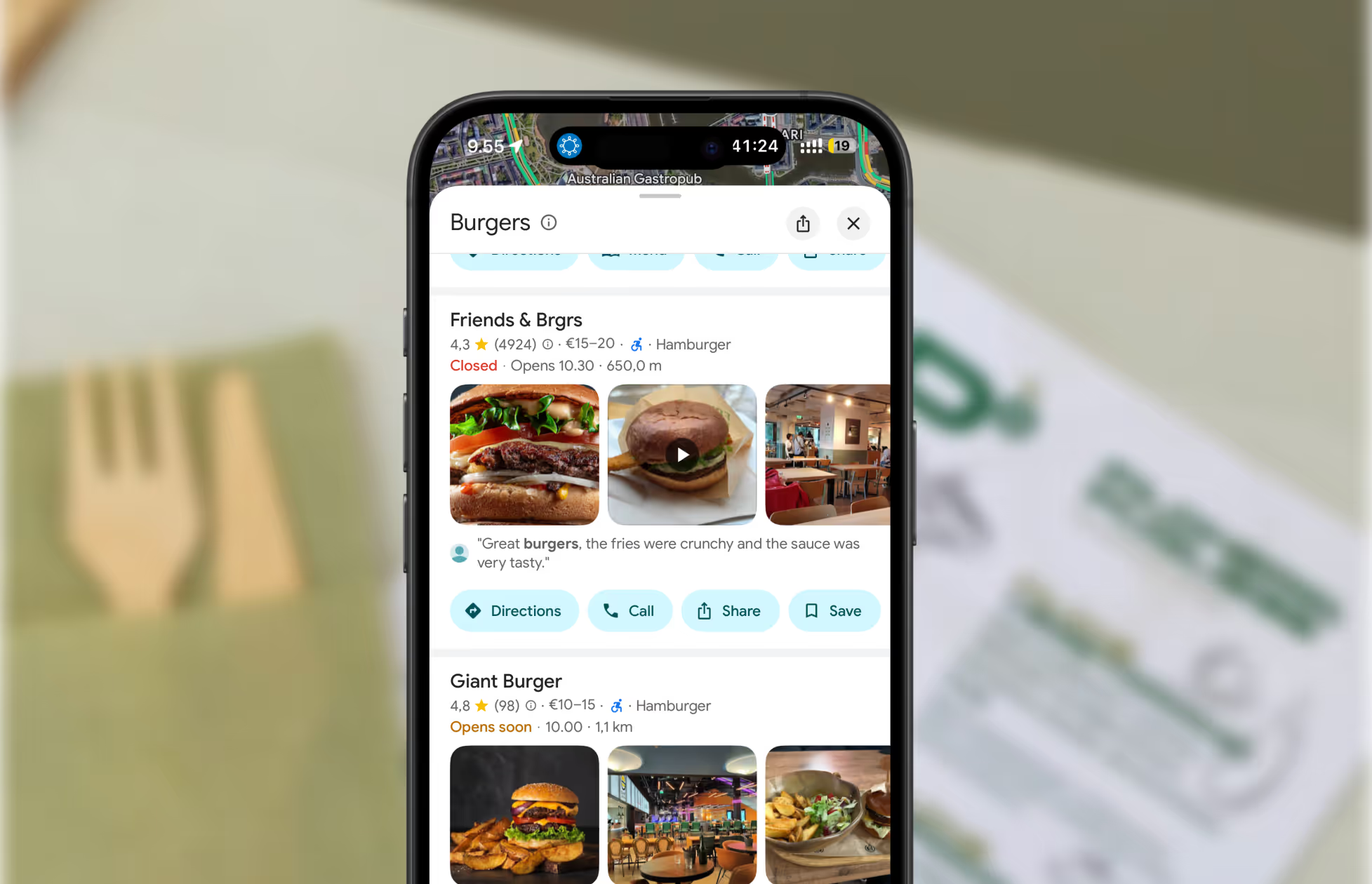
So, you’ve moved your business, or maybe you just realized your address is wrong on Apple Maps. Either way, you want customers to find you, not your old spot. Good news: updating your business address on Apple Maps is easier than you think. Here’s how to do it, step by step.
Let’s be real—if your address is wrong, you’re sending customers on a wild goose chase. That’s lost sales, missed bookings, and a whole lot of frustration. Apple Maps is one of the top navigation apps out there. If you want to get found, you need to be right where your customers expect you.
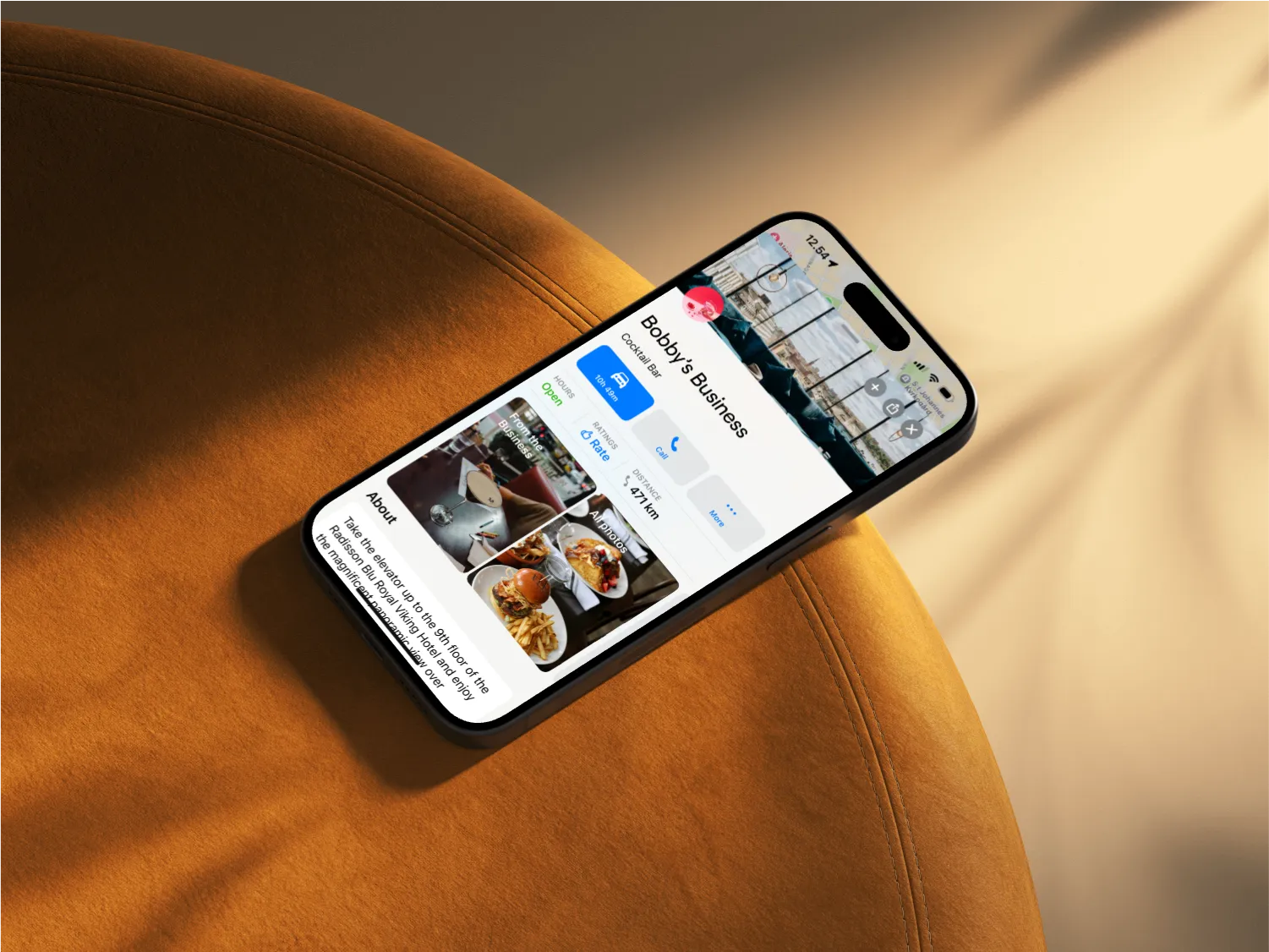
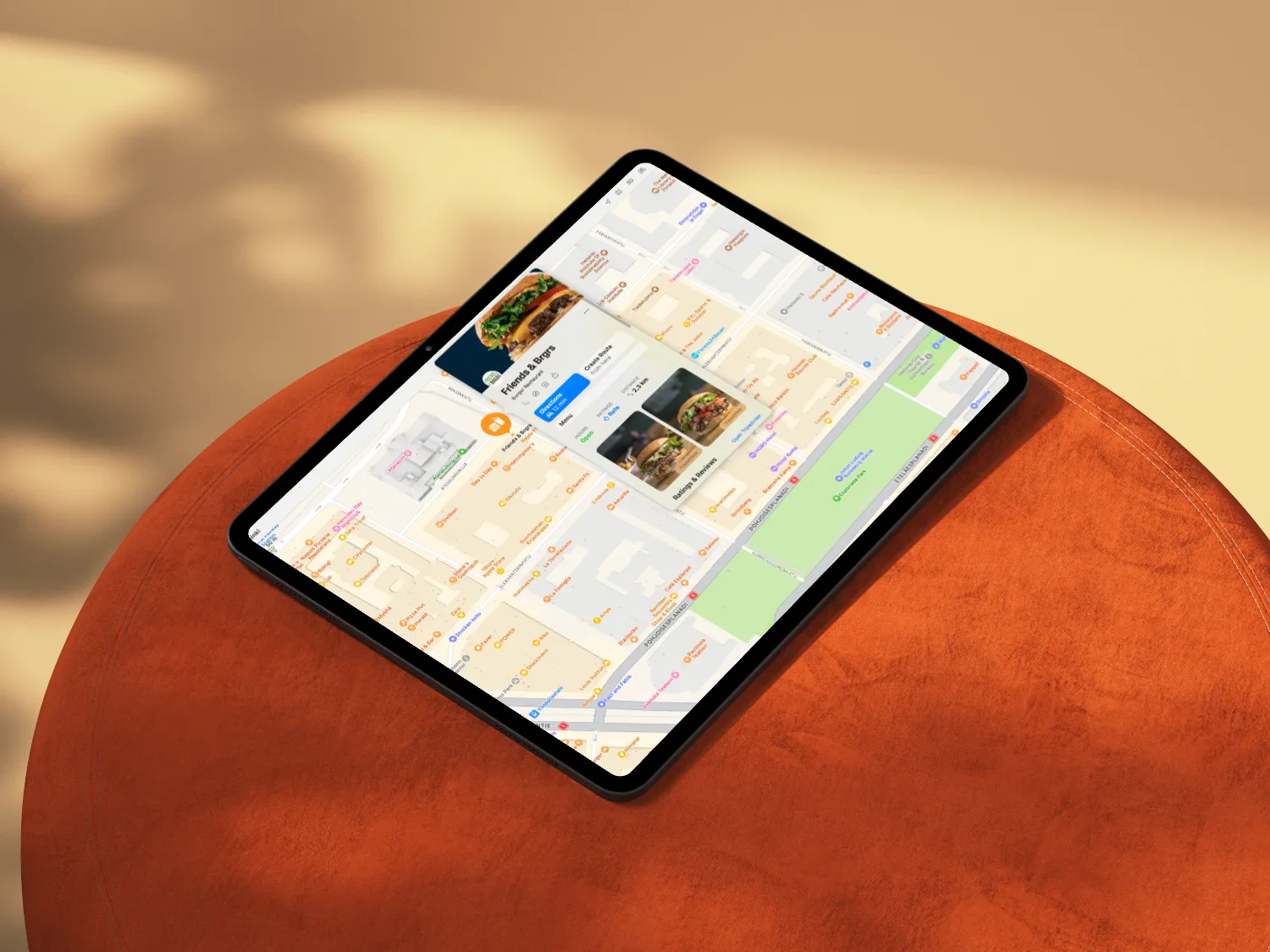
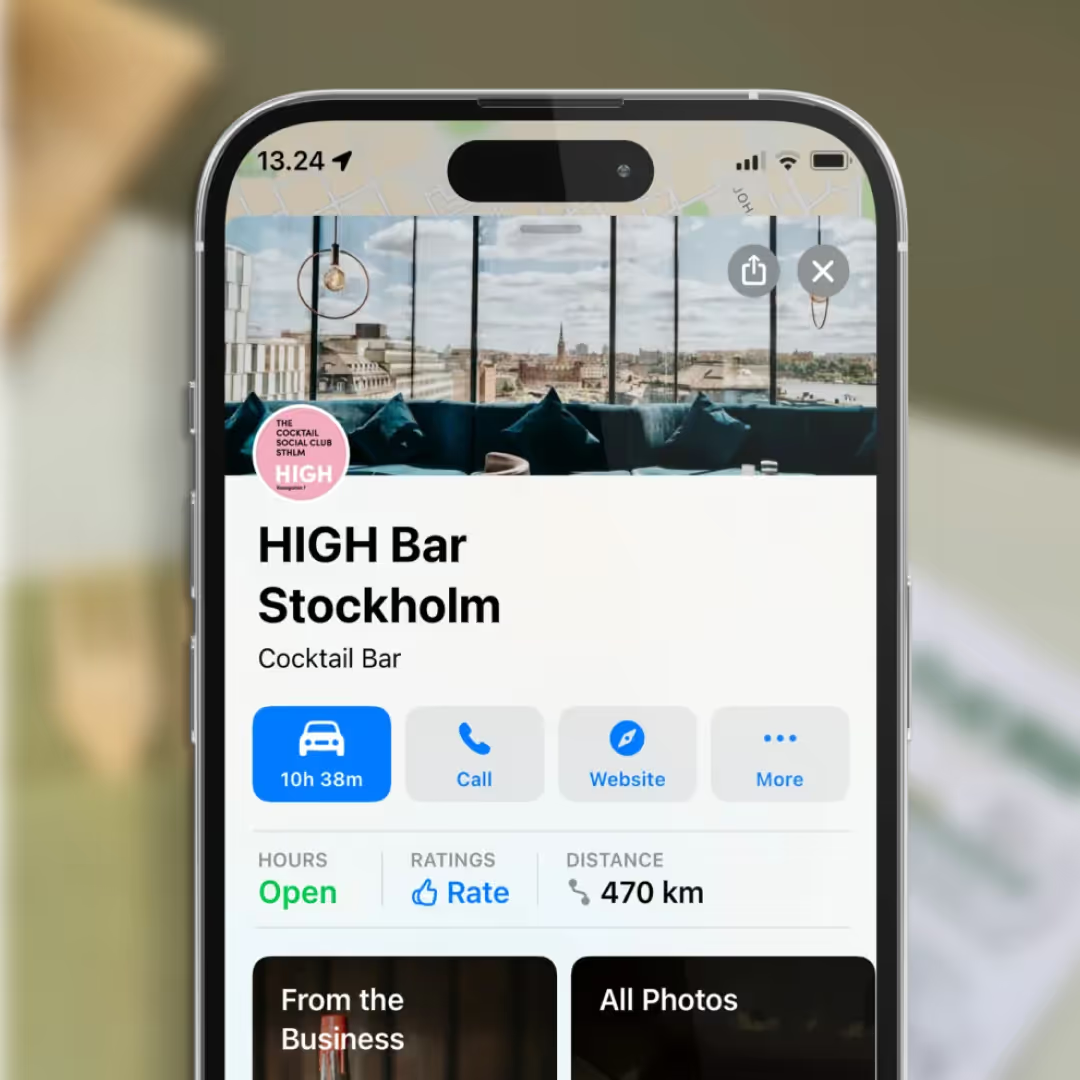
First things first: Apple uses a platform called Apple Business Connect to manage business listings.
Once you’re in, it’s time to set the record straight.
Apple wants to keep things accurate, so they’ll ask you to verify the new address.
Apple reviews all changes before they go live. This usually takes a few days. Sit tight—your customers will be finding you in no time.
Sometimes, things get stuck. Maybe your business isn’t showing up, or you can’t edit the address. Don’t panic.
If you’re updating your address, do it everywhere, Google, Facebook, TripAdvisor, Wolt, you name it. Or, let Mobal do the heavy lifting. One dashboard, every platform, all your info in sync. Easy.
Changing your business address on Apple Maps is just the start. Want to make sure customers find you everywhere, every time? Mobal’s got your back.
No more lost customers. No more outdated info. Just you, your business, and a smarter way to get found.
Want more tips on managing your online presence? Check out our other guides or reach out, Mobal’s here to make digital marketing simple, smart, and a little bit fun.
Restaurants already trust Mobal to keep their listings accurate across Google and Apple. The website was the one part of their online presence still managed separately, with a different tool and a different login. Now it's part of the same system.
Every hour your site shows the wrong hours or an old menu is an hour a customer can be misled or turned away. And every evening spent editing a website is an evening away from the kitchen. Restaurant Websites removes both.
Customers can buy gift cards directly on the site and book a table through an added widget like TableOnline. An ordering button links out to your provider, such as Wolt. Your location details, menu, hours, and special hours stay in sync with your Google and Apple listings.
Choose from eight supported languages (English, Finnish, Swedish, Estonian, Russian, French, Spanish, and German) at launch and add translated versions of your site with a few clicks. More languages on request.
Restaurant Websites gives you a strong base built specifically for restaurants: the pages, layouts, and search foundations designed to help guests find and use your site. You can apply your own branding, colours, images, and pages on top.
Yes. You hand over your domain and keep it.
€29 per website per month, as an add-on. You can build and preview a site free in the demo before committing.

.webp)
.avif)




.webp)

.svg)
