

Apple Business Connecti integreerimise väljakuulutamine
Lisateave →
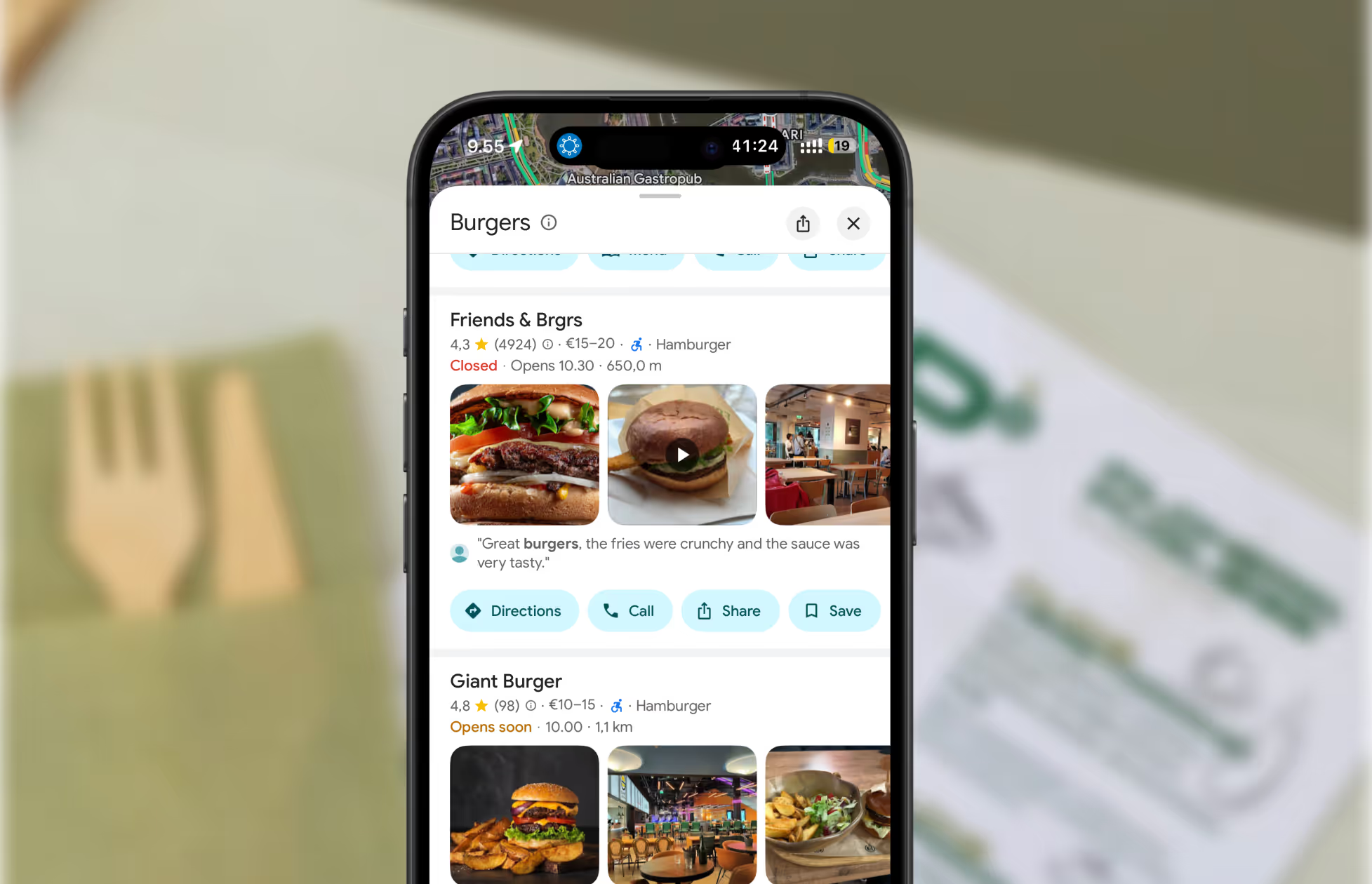
Pro tip: Restaurants and local businesses that keep their online profiles accurate are more likely to appear in the Google 3-Pack (the top map listings).

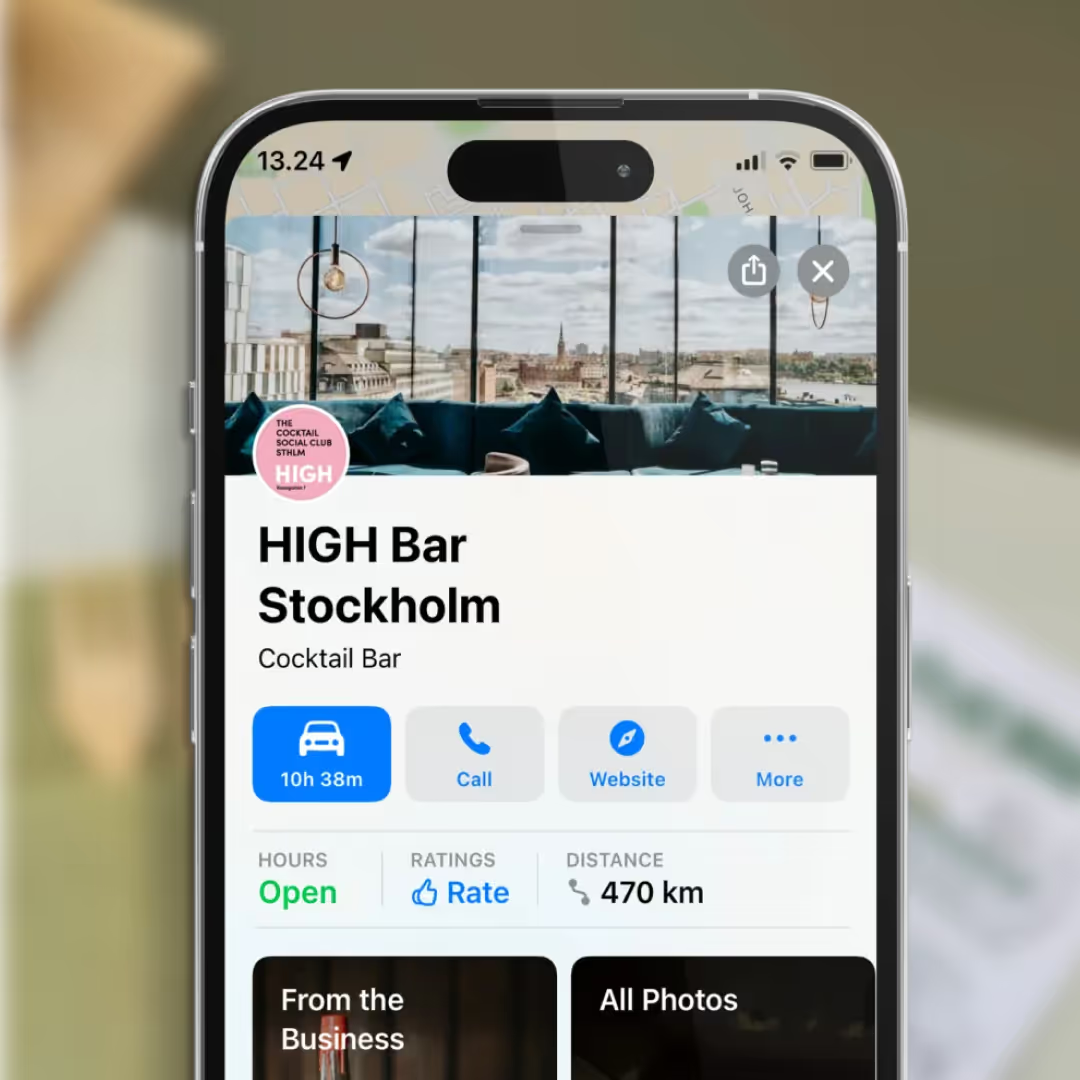
Make sure the address matches official records — including street number, postal code, city, and spelling.
Go to Google Business Profile and sign in (or claim your business if you haven’t already).
Inside your profile:
If you’re using Mobal:
Update your Google Maps address — plus Facebook, Instagram, TripAdvisor, and more — all at once, saving time and preventing errors.
Google may ask for verification by postcard, phone, or email. Complete the process to confirm the change.
Most updates go live in 3–7 days, depending on verification.
Restaurants already trust Mobal to keep their listings accurate across Google and Apple. The website was the one part of their online presence still managed separately, with a different tool and a different login. Now it's part of the same system.
Every hour your site shows the wrong hours or an old menu is an hour a customer can be misled or turned away. And every evening spent editing a website is an evening away from the kitchen. Restaurant Websites removes both.
Customers can buy gift cards directly on the site and book a table through an added widget like TableOnline. An ordering button links out to your provider, such as Wolt. Your location details, menu, hours, and special hours stay in sync with your Google and Apple listings.
Choose from eight supported languages (English, Finnish, Swedish, Estonian, Russian, French, Spanish, and German) at launch and add translated versions of your site with a few clicks. More languages on request.
Restaurant Websites gives you a strong base built specifically for restaurants: the pages, layouts, and search foundations designed to help guests find and use your site. You can apply your own branding, colours, images, and pages on top.
Yes. You hand over your domain and keep it.
€29 per website per month, as an add-on. You can build and preview a site free in the demo before committing.


.webp)
.webp)
.avif)




.webp)

.svg)
