

Announcing Apple Business Connect Integration
Learn more →.webp)
Accurate business information is one of the most important ways to win customers online. If your hours or location are wrong on Apple Maps, you risk losing diners, shoppers, or clients before they ever reach you.
The good news: Apple makes it easy to update your details through Apple Business Connect. In this guide, we’ll show you step by step how to:
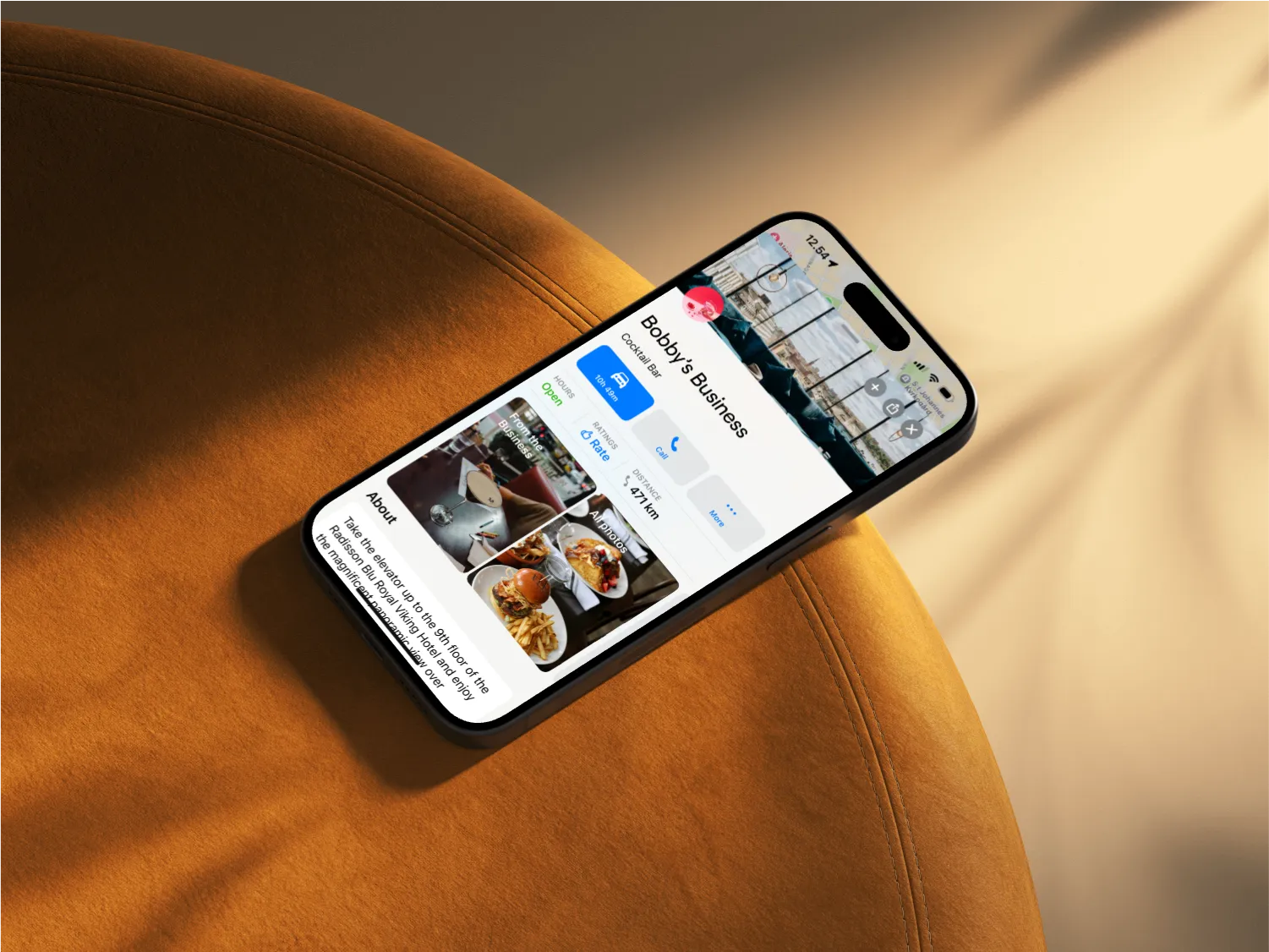
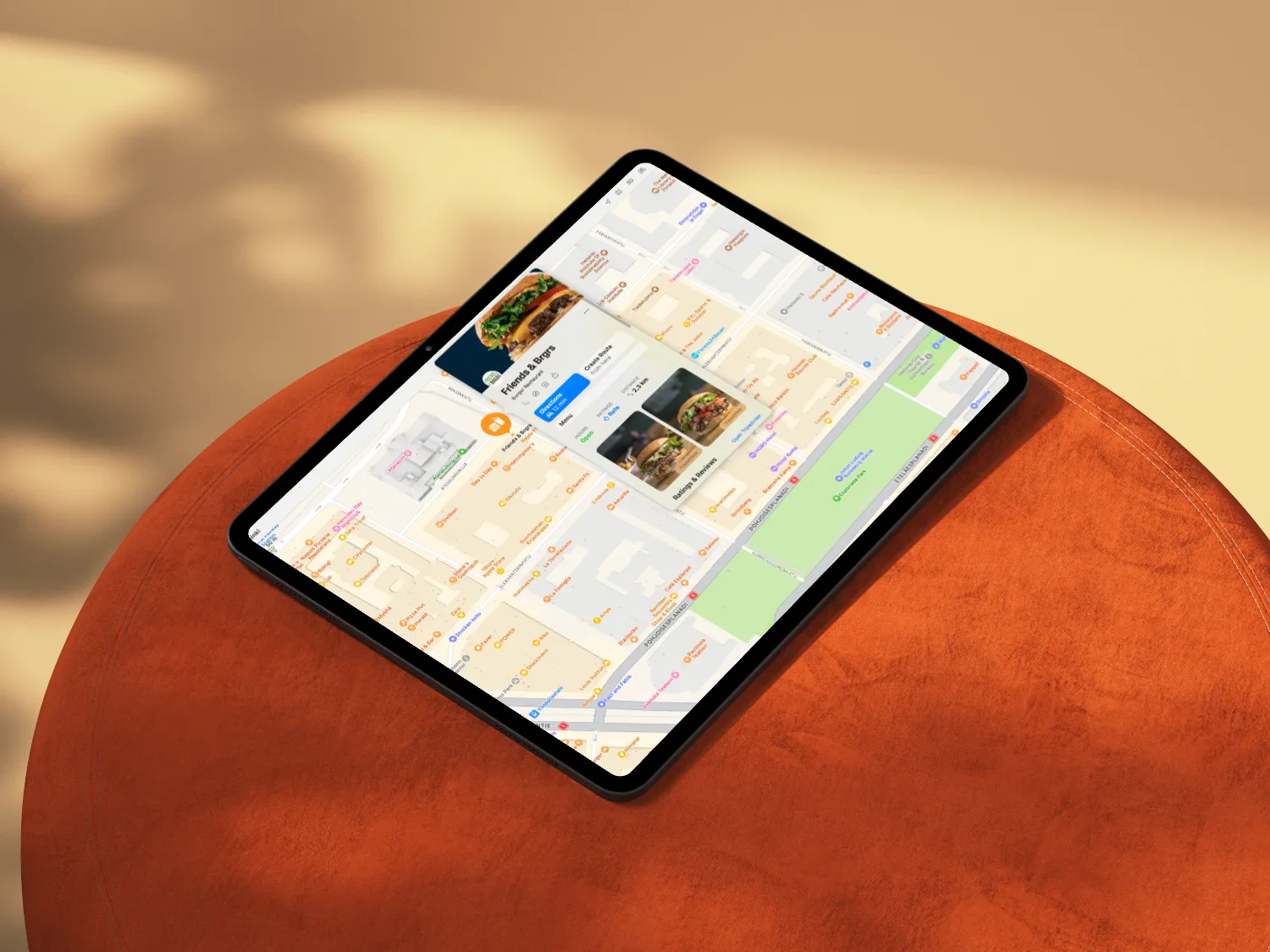
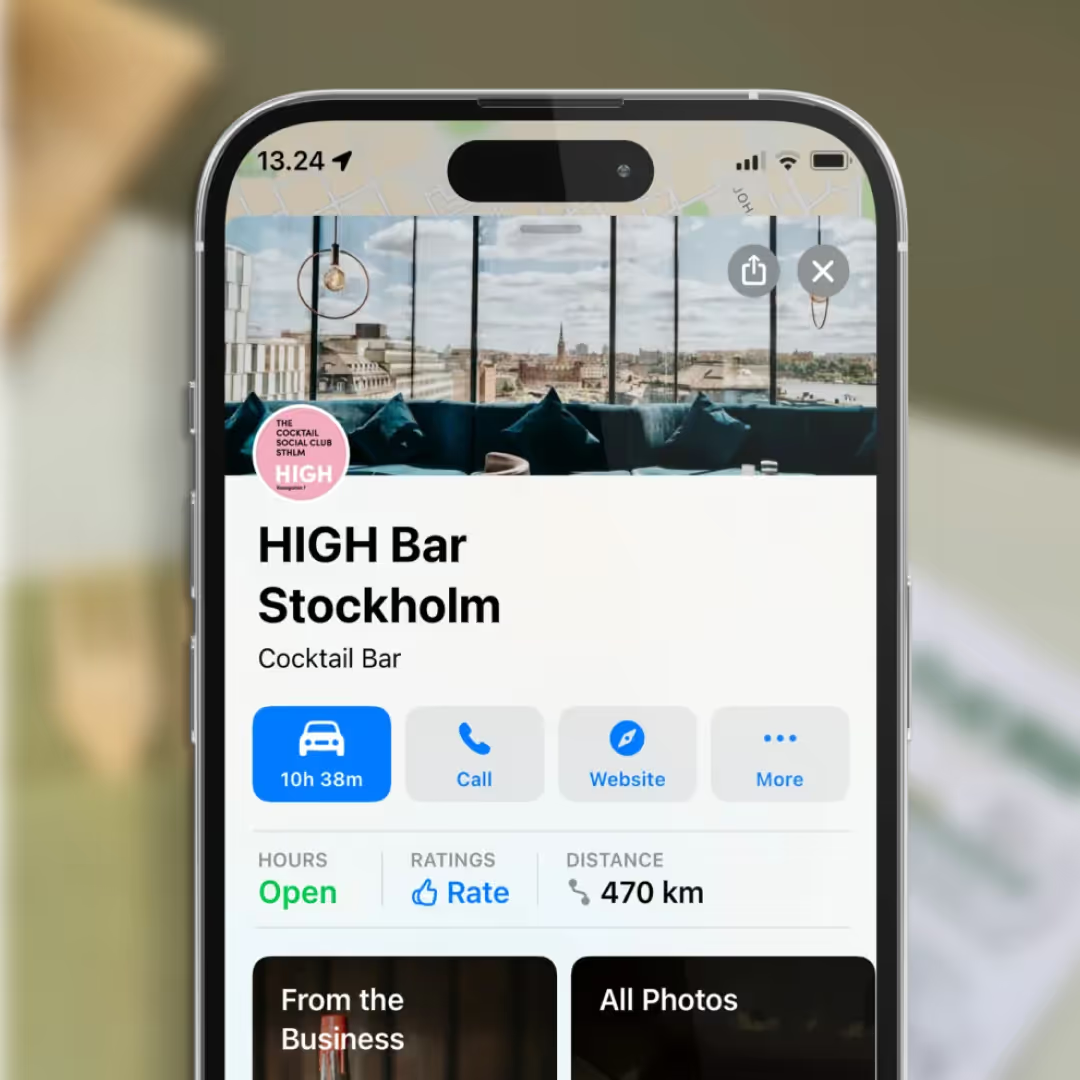
Apple Maps hours are managed through Apple Business Connect.
Go to Apple Business Connect and sign in with your Apple ID.
From the Locations menu, choose the business location you want to update.
Scroll to the Hours section and click to edit. Enter your updated daily hours.
Use the Special Hours feature for holidays, events, or unique schedules. For example:
Save your changes. Apple typically reviews and publishes updates within a few days.
If your business has moved, don’t leave your customers heading to the wrong place. Here’s how to update your address:
Open your account and go to the Locations tab.
Select the business location that needs updating.
Find the Address section and enter your new business location. Double-check the map pin to ensure accuracy.
Click Save. Apple will verify and apply the change within a few days.
Restaurants already trust Mobal to keep their listings accurate across Google and Apple. The website was the one part of their online presence still managed separately, with a different tool and a different login. Now it's part of the same system.
Every hour your site shows the wrong hours or an old menu is an hour a customer can be misled or turned away. And every evening spent editing a website is an evening away from the kitchen. Restaurant Websites removes both.
Customers can buy gift cards directly on the site and book a table through an added widget like TableOnline. An ordering button links out to your provider, such as Wolt. Your location details, menu, hours, and special hours stay in sync with your Google and Apple listings.
Choose from eight supported languages (English, Finnish, Swedish, Estonian, Russian, French, Spanish, and German) at launch and add translated versions of your site with a few clicks. More languages on request.
Restaurant Websites gives you a strong base built specifically for restaurants: the pages, layouts, and search foundations designed to help guests find and use your site. You can apply your own branding, colours, images, and pages on top.
Yes. You hand over your domain and keep it.
€29 per website per month, as an add-on. You can build and preview a site free in the demo before committing.

.webp)
.webp)
.avif)



.webp)

.svg)
