
Tillkännager Apple Business Connect-integration
Läs mer →.webp)
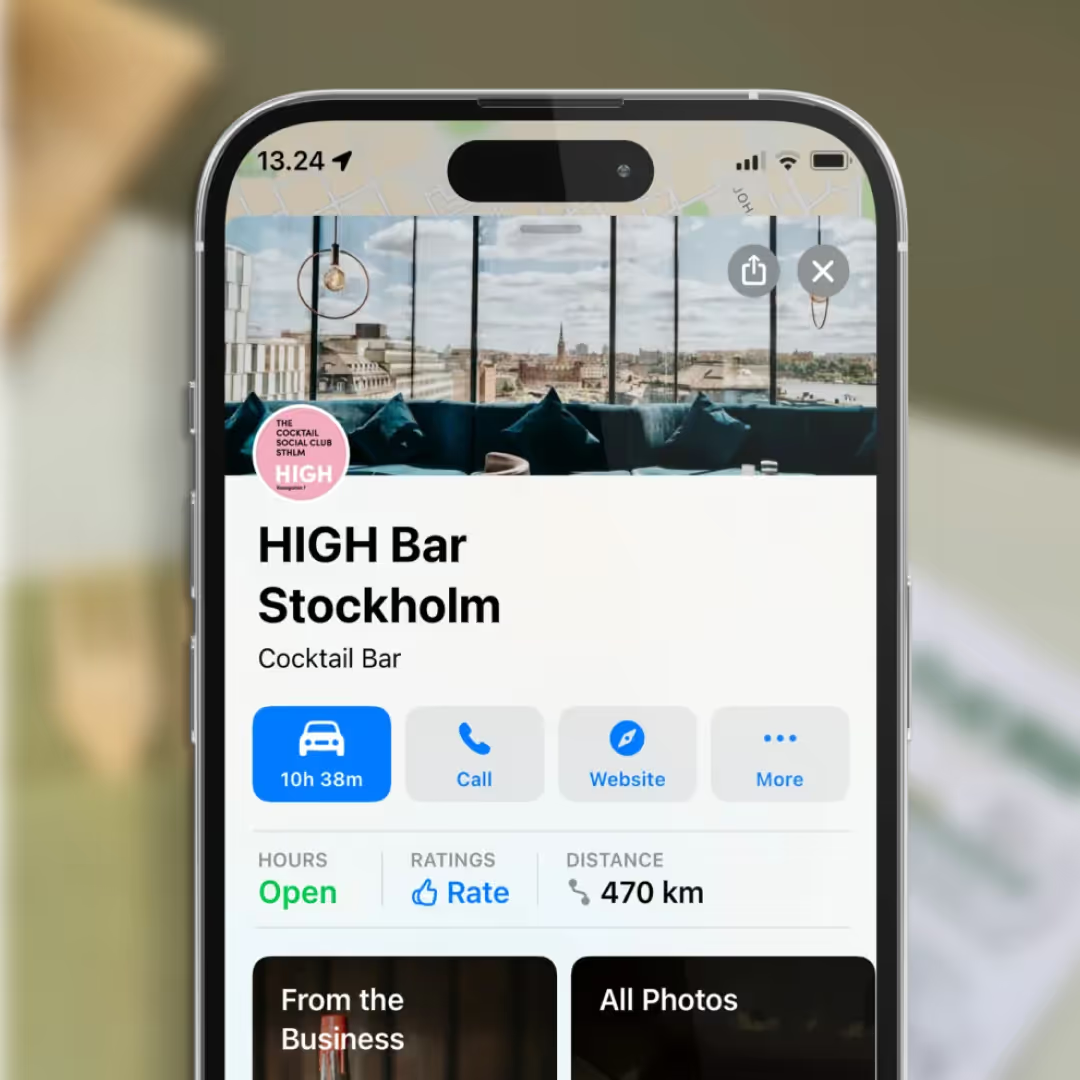
Apple Maps isn’t just catching up to Google—it’s become a daily essential for over 100 million adults in the US. If your business isn’t showing up where your customers search, you’re missing out. Apple’s new Business Connect platform makes it easier than ever to claim, update, and showcase your business across Apple Maps, Siri, and beyond. Ready to get found? Here’s how.
Step 1: Create or Use Your Apple ID
Don’t have one? Create an Apple ID. You’ll need a mobile number for two-factor authentication.
Step 2: Sign In to Business Connect
Head to Apple Business Connect and sign in (top right corner).
Step 3: Search for Your Business
Use your business name, city, or phone number. If Apple doesn’t find your business, you’ll see an option to add a new location.
Step 4: Add Your Location
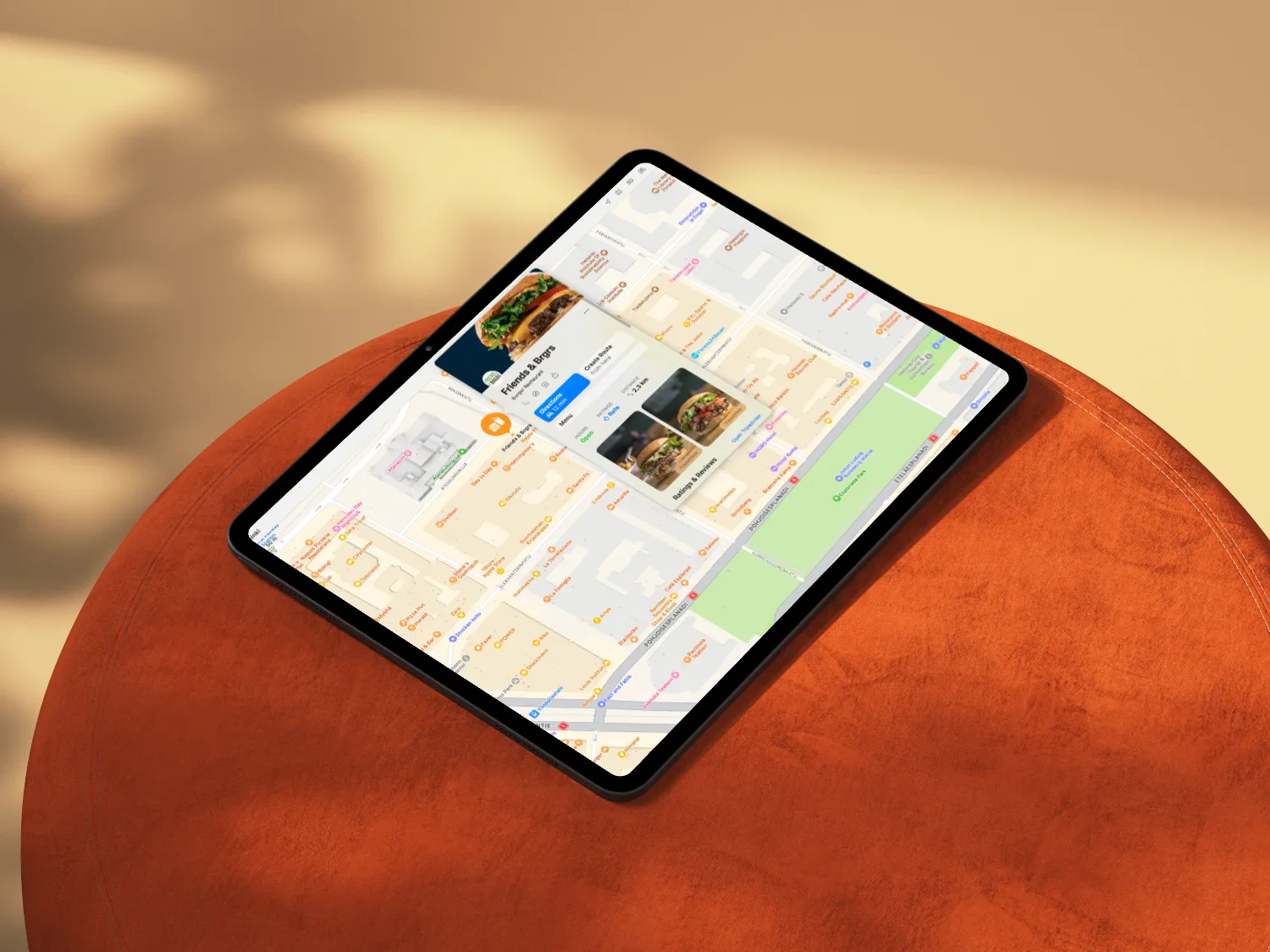
Select “Add a new location with this name.” Enter your business address and set your coordinates—either manually or by dragging the map pin.
Step 5: Fill in the Details
Add your business categories, website, and opening hours. For single locations, enter your NAP (name, address, phone) again. For multi-location brands, add your head office info.
Step 6: Agree to Apple’s Terms
Tick the box to confirm you accept Apple’s terms of service.
Step 7: Verify Your Business
Upload an official document (like a lease or utility bill) showing your business name and address. Note: For new locations, phone verification isn’t available—Apple wants to keep listings real and spam-free.
Step 8: Unlock Your Dashboard
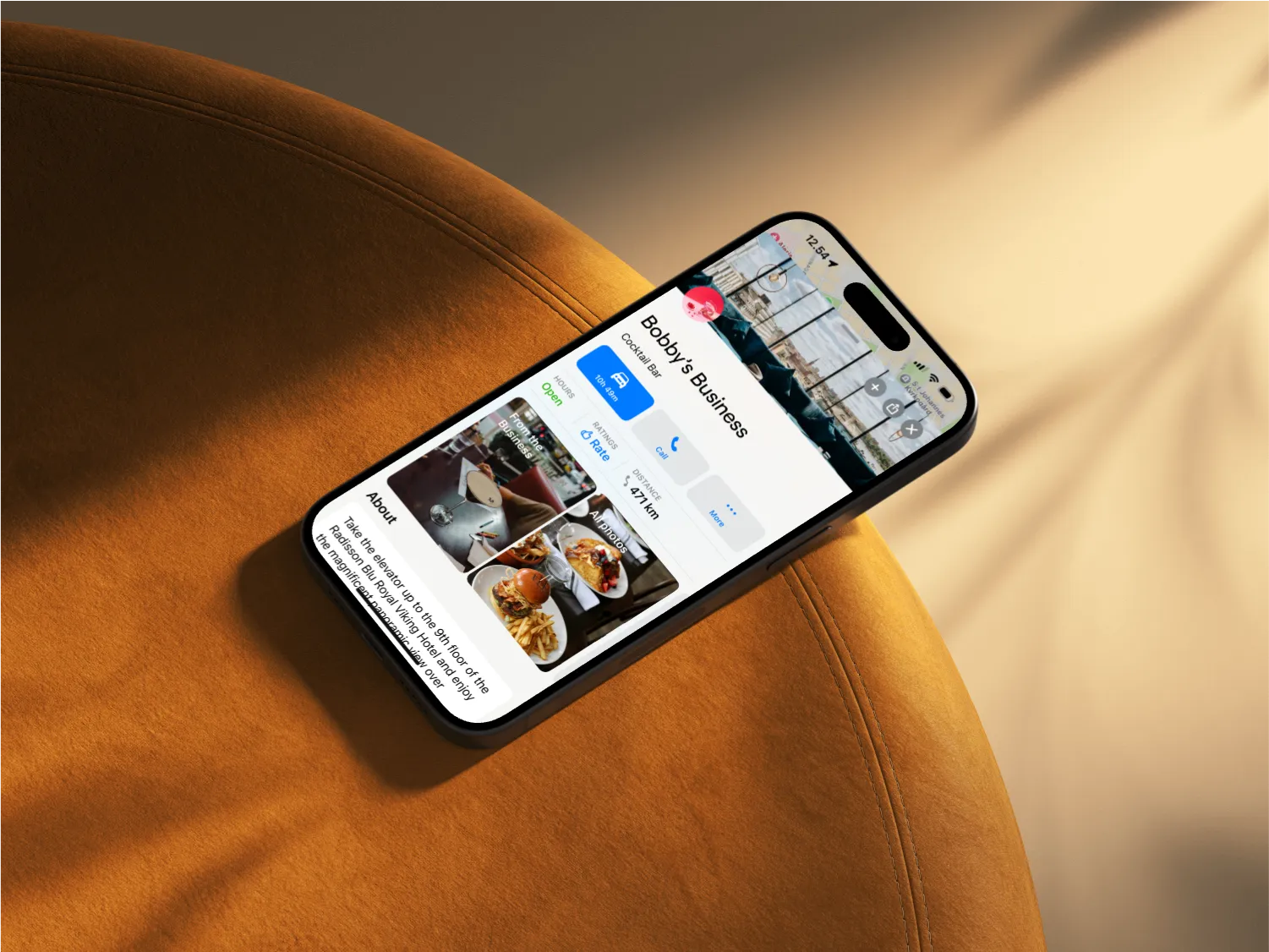
Once verified, you can add business descriptions, images, and attributes to make your listing stand out.
Restaurants already trust Mobal to keep their listings accurate across Google and Apple. The website was the one part of their online presence still managed separately, with a different tool and a different login. Now it's part of the same system.
Every hour your site shows the wrong hours or an old menu is an hour a customer can be misled or turned away. And every evening spent editing a website is an evening away from the kitchen. Restaurant Websites removes both.
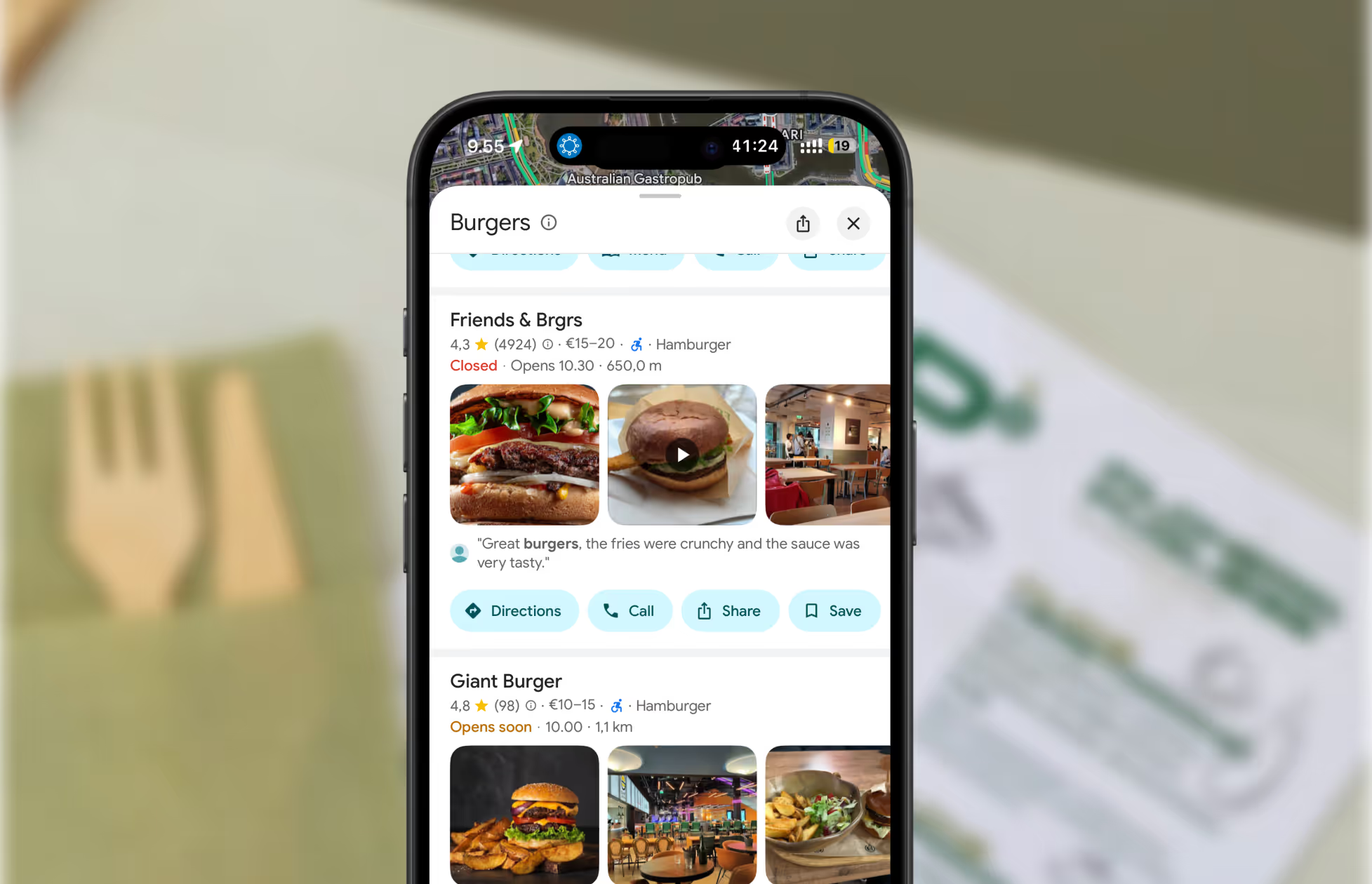
Customers can buy gift cards directly on the site and book a table through an added widget like TableOnline. An ordering button links out to your provider, such as Wolt. Your location details, menu, hours, and special hours stay in sync with your Google and Apple listings.
Choose from eight supported languages (English, Finnish, Swedish, Estonian, Russian, French, Spanish, and German) at launch and add translated versions of your site with a few clicks. More languages on request.
Restaurant Websites gives you a strong base built specifically for restaurants: the pages, layouts, and search foundations designed to help guests find and use your site. You can apply your own branding, colours, images, and pages on top.
Yes. You hand over your domain and keep it.
€29 per website per month, as an add-on. You can build and preview a site free in the demo before committing.

.webp)
.webp)
.avif)




.webp)

.svg)