Kaikki
November 23, 2023

How to Recover from a Sudden Drop in Google Review Ratings: The Step-by-Step Playbook

A sudden drop in your Google review ratings can feel like a gut punch. But here’s the truth: every business hits a rough patch. What separates the winners from the rest is how you respond. This playbook gives you the step-by-step tactics to diagnose what went wrong, fix it fast, and rebuild your reputation stronger than ever. Ready to turn things around? Let’s get started.
Ev charging stations
Published on
November 6, 2025
Key takeaways
  • Diagnose the root cause—don’t just treat the symptoms.
  • Respond to every negative review with empathy and action.
  • Level up your customer experience and service.
  • Proactively ask for more positive reviews (the right way).
  • Optimize your Google Business Profile and online presence.

1. Step 1: Analyze and Identify the Root Cause

Review Recent Feedback

  • Dive into your latest negative reviews. What’s the recurring theme—service, quality, communication?
  • Look for patterns. One-off complaint, or a trend?

Monitor Competitors

  • What are your competitors doing better? Check their reviews for clues.
  • Identify gaps and opportunities to outshine them.

Get Internal Feedback

  • Ask your team: What’s changed? Any blind spots? Sometimes the best insights come from the front lines.

2. Step 2: Respond to Negative Reviews—Fast

Acknowledge and Apologize

  • Respond to every negative review within 24–48 hours.
  • Show empathy. Acknowledge their frustration and apologize for the experience.

Offer Real Solutions

  • Don’t just say “sorry”—offer to fix it. Refunds, replacements, or a second chance go a long way.
  • Take complex conversations offline (phone/email) to resolve privately.

Pro Tip:

A well-handled negative review can turn a critic into a fan—and show future customers you care.
See more response templates here.

3. Step 3: Level Up Your Customer Experience

Train Your Team

  • Run customer service workshops. Focus on listening, empathy, and problem-solving.

Foster a Customer-First Culture

  • Make “wow” moments a habit. Empower your team to go above and beyond.

Implement Feedback Loops

  • Use surveys, suggestion boxes, or online forms to gather honest feedback.
  • Act on what you learn—show customers you’re listening.

4. Step 4: Proactively Encourage Positive Reviews

Just Ask—But Make It Easy

  • Politely ask happy customers for reviews after a great experience.
  • Provide a direct link or QR code—don’t make them hunt for your profile.

Stay Ethical

  • Incentivize within Google’s guidelines (think: loyalty points, not cash for reviews).
  • Transparency is key—never fake or buy reviews.

Want to supercharge your review strategy? Read How to Get More Customer Reviews on Google.


Frequently asked questions

Why now?

Restaurants already trust Mobal to keep their listings accurate across Google and Apple. The website was the one part of their online presence still managed separately, with a different tool and a different login. Now it's part of the same system.

Why does this matter for my restaurant?

Every hour your site shows the wrong hours or an old menu is an hour a customer can be misled or turned away. And every evening spent editing a website is an evening away from the kitchen. Restaurant Websites removes both.

What can I add to my site?

Customers can buy gift cards directly on the site and book a table through an added widget like TableOnline. An ordering button links out to your provider, such as Wolt. Your location details, menu, hours, and special hours stay in sync with your Google and Apple listings.

Which languages does it support?

Choose from eight supported languages (English, Finnish, Swedish, Estonian, Russian, French, Spanish, and German) at launch and add translated versions of your site with a few clicks. More languages on request.

What if I want a custom design?

Restaurant Websites gives you a strong base built specifically for restaurants: the pages, layouts, and search foundations designed to help guests find and use your site. You can apply your own branding, colours, images, and pages on top.

Can I keep my domain if I move from another builder?

Yes. You hand over your domain and keep it.

What does it cost?

€29 per website per month, as an add-on. You can build and preview a site free in the demo before committing.
Get started  today
Transform how you do business. Own your digital future.
Book a free demo
contact us today
White Arrow
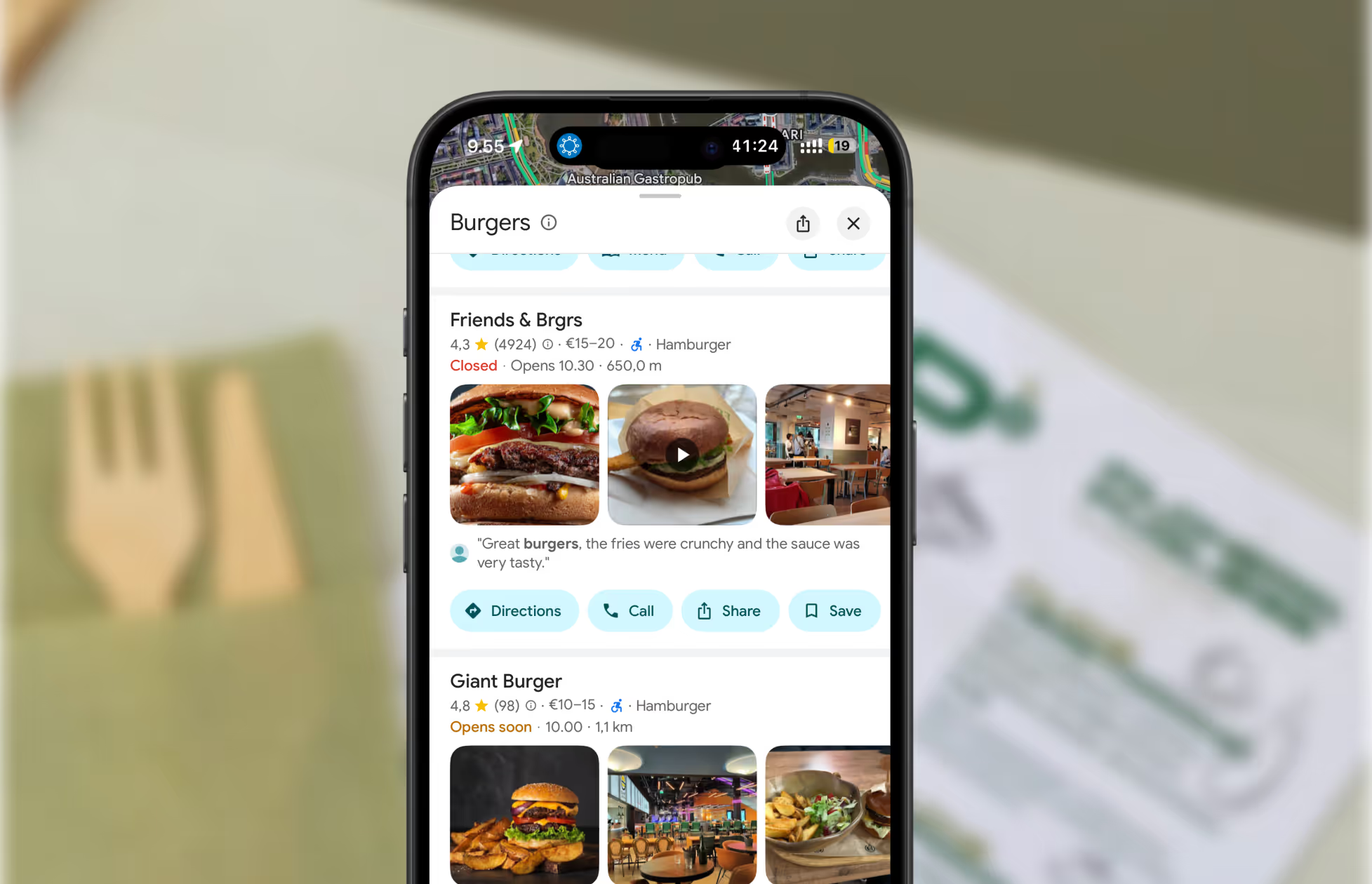
A screenshot of restaurants on Google Maps.
Get found where your customers are looking
Manage your business listings on Google, Apple Maps, Bing and social — all from one place.
Get started free
Read about our privacy policy.
Thank you! Your submission has been received!
Oops! Something went wrong while submitting the form.

Related blog posts

Join 8000+ businesses reaching more customers online with Mobal

Save time, reach more customers

Autamme yrityksiä menestymään verkossa

Varaa esittely
Icon
Icon
Middle-aged woman outdoors with a pink scarf draped over her shoulders and sunglasses on her head, smiling in a sunny park.
Three men wearing caps and jackets sitting and conversing on a boat with a foggy harbor in the background.Icon